

In the app: Agent Settings → Connectors (
/home?settings=connectors) to connect accounts. Use Sidebar → Inbox (/inbox) for messages and comments, and Sidebar → Marketing (/marketing) where your plan includes it.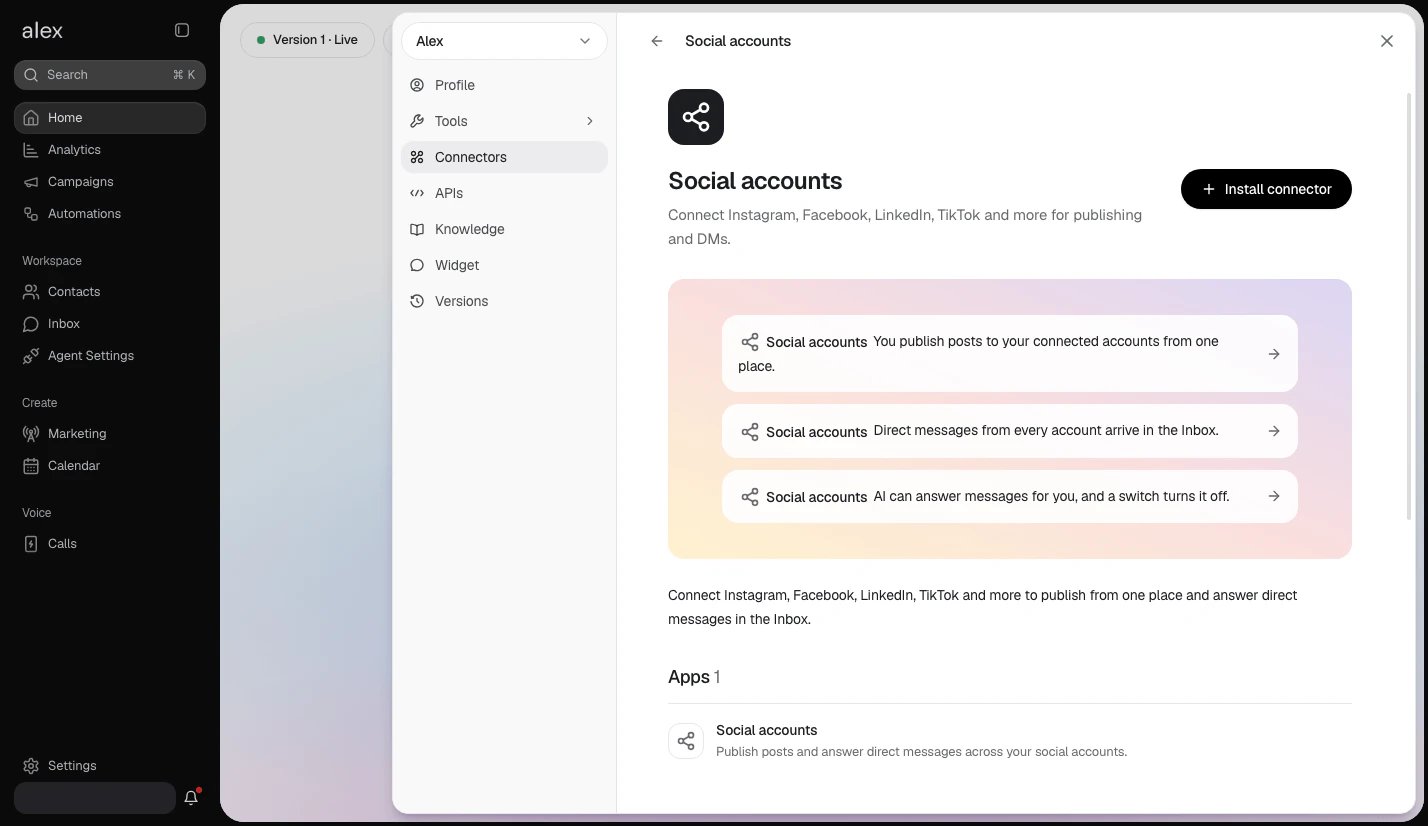
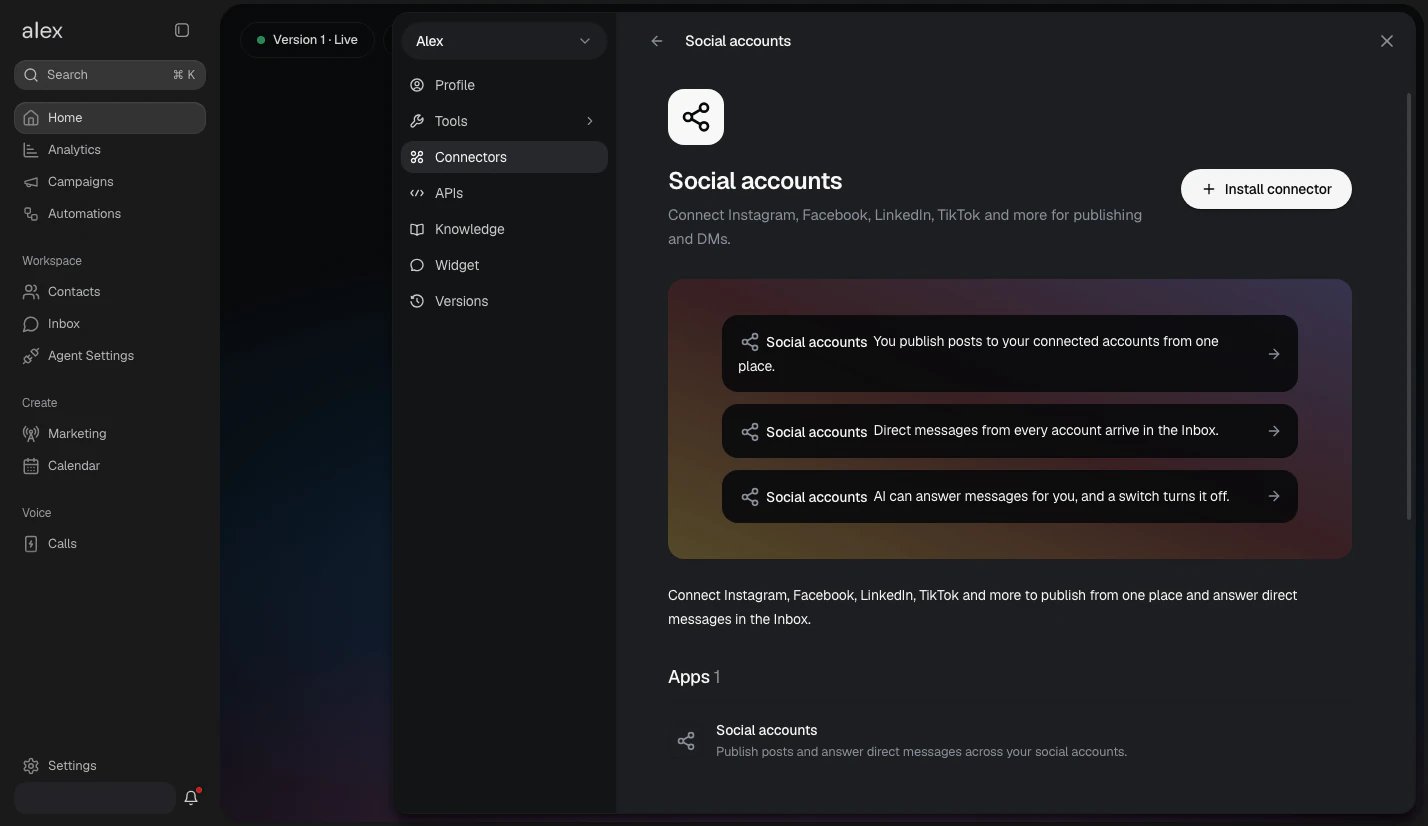
Pick a platform to connect
Social accounts
Can I connect more than one account on the same platform?
Can I connect more than one account on the same platform?
Yes. Click Connect another account on the platform and sign in with the other login. Each account gets its own card, its own Assigned agent and its own daily fee.See Connect Instagram. First time: Connect your social accounts.
Does the AI reply on TikTok and LinkedIn?
Does the AI reply on TikTok and LinkedIn?
On LinkedIn, it answers comments on your posts, and LinkedIn does not share direct messages. On TikTok, connect the account and its card shows the reply switches TikTok allows. You can also publish to both from the Marketing hub.See Messaging channels.
Marketing hub
What is the Marketing hub and who can see it?
What is the Marketing hub and who can see it?
Sidebar → Marketing (
/marketing) is where you create, schedule and track social posts. It appears in the sidebar on Professional and above. It needs the Power Tools add-on, which is included on Real Estate, Enterprise and the Professional trial. It has four tabs: Social, Campaigns, Analytics and Conversions.Paying yearly costs ten months. On Enterprise, the SmartAlex team switches the add-ons on for you. What you use with an add-on, such as campaign calls or meeting hours, is paid from your wallet. See Pricing.See Add-ons.
What can I post to each platform?
What can I post to each platform?
It depends on the platform. Instagram takes posts, carousels, Reels and Stories. Facebook takes Page posts, reels and stories. TikTok takes videos and photo carousels. LinkedIn takes posts to your personal profile or a company page, including PDF documents as carousels. X takes posts and threads.See Add-ons.
Where do I see my scheduled and published posts?
Where do I see my scheduled and published posts?
In Sidebar → Marketing → Social → Posts (
/marketing). Switch between List and Calendar to see what is scheduled and what has gone out. Open a post to review it.See Add-ons.Where do I see how my posts are doing?
Where do I see how my posts are doing?
In the Analytics tab of Sidebar → Marketing (
/marketing). For Instagram it covers reach, views and engagement per post, follower growth, and the best times to post. Other platforms report what they share, such as views, likes and followers.See Add-ons.Social automations
Related
Messaging channels
Connect social accounts and messaging.
Unified Inbox
Messages and comments in one place.
WhatsApp and Meta answers
Facebook, Instagram and WhatsApp questions.
Pricing
What messaging and social accounts cost.