

In the app: Sidebar → Agent Settings → Connectors (/home?settings=connectors). The Messaging
group holds WhatsApp, SMS, Telegram, Social accounts, Gmail and Outlook. Use
Search connectors, or the Browse and Connected tabs, to find one.
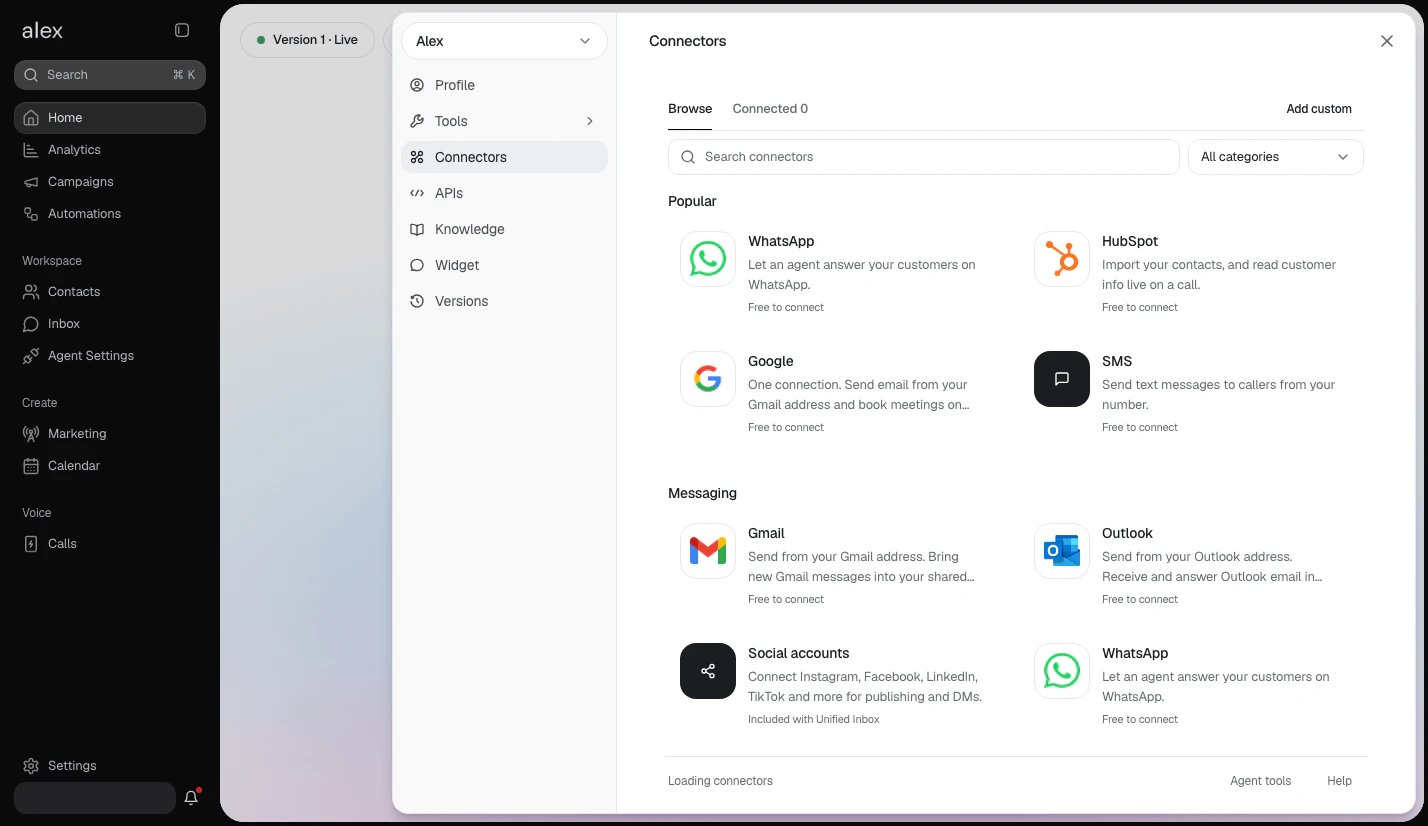
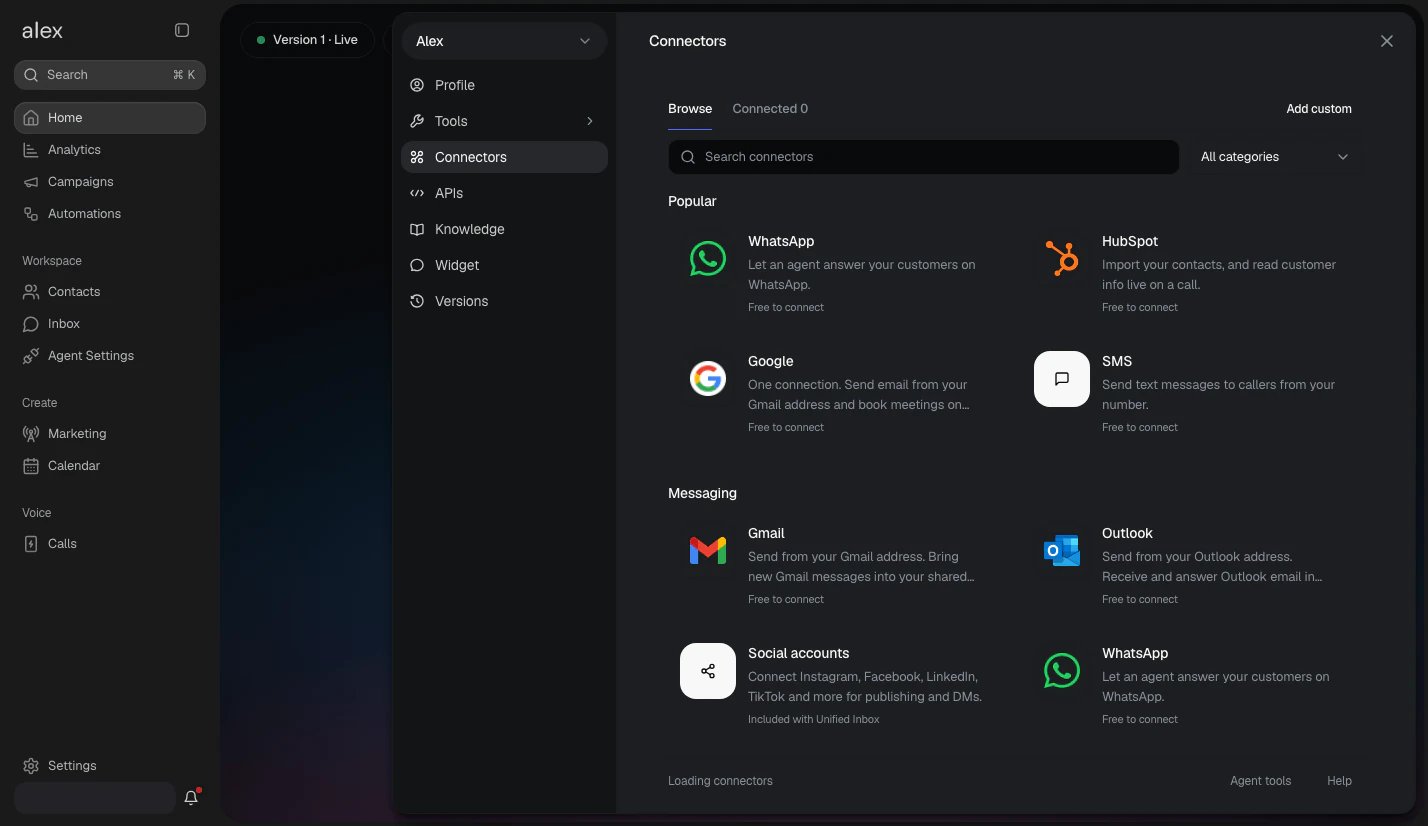
Every messaging channel under Agent Settings, Connectors
How a message reaches your agent
This diagram shows a customer message reaching your agent on any channel, and when the agent pauses.Every channel
| Channel | What your agent does | Where to connect | |
|---|---|---|---|
 | Answers chats on your business number, takes WhatsApp calls, sends approved templates. | Connect WhatsApp | |
| SMS | Answers texts. | SMS below | |
| Answers Gmail or Outlook, automatically or as drafts. | Gmail and Outlook below | ||
 | Answers Messenger chats and comments. | Connect Facebook | |
 | Answers DMs and comments. | Connect Instagram | |
 | TikTok, X, LinkedIn, YouTube, Threads, Reddit | Answers DMs, comments or both, depending on the platform. | Social accounts |
 | Google Business | Replies to new Google reviews. | Google Business |
 | Telegram | Answers customers who message your bot. Your own Telegram can also link to Alex for alerts. | Telegram bot, Telegram for you |
Meta must approve your display name before every reply is delivered. Start with
Connect WhatsApp, then Get approved by Meta.
Every common question is answered on WhatsApp questions.
To message a whole list, use Send to many on a standard template, or a WhatsApp broadcast
under Automations. See WhatsApp templates.
SMS
SMS goes out from a shared number by default. To text from your own number, connect your own sending account on the SMS connector. Enter the Account SID, Auth token and Phone number from that account, then click Validate and connect.Gmail
Gmail and Google Calendar connect with one Google sign-in, from the Gmail card or the Google card under Calendars and bookings.- SmartAlex only sends from your Gmail address. It never asks to read your mailbox.
- To bring incoming mail into your Inbox, set up forwarding. The Account tab shows your Forwarding address and Gmail setup instructions.
Outlook
Sign in on the Outlook card. Outlook sends and receives directly, so new mail reaches your Inbox without forwarding.How the agent answers email
Once a mailbox is connected, its card gets a Reply behaviour tab:- Answer emails: Off, Automatic, or Draft first so you check each reply before it goes.
- Signature: added to every email the agent sends.
Telegram
The Telegram connector links your own Telegram account to SmartAlex, so you can talk to Alex and get alerts there.- Click Connect Telegram.
- Open the link it shows in Telegram before it expires.
- Once linked, the card shows your Telegram username. Choose which Notifications to get: New Leads, Campaign Updates, Error Alerts and Daily Summary.
Social accounts
Connect Instagram, Facebook, TikTok, LinkedIn, X, YouTube, Threads, Reddit, Pinterest, Snapchat and Google Business under Social accounts. Messages, comments and reviews land in your Inbox, where the agent can reply, and you can publish posts from Marketing. Social accounts need the Unified Inbox add-on. See Every social tool.The master switch for AI replies
Below the SMS card, AI auto-replies has one switch, Enable AI auto-replies, that turns automatic replies on or off for WhatsApp, SMS and email together.- The agent sends up to 60 replies per contact an hour.
- Replies stop when a contact opts out or a teammate takes over the chat.
What channels cost
Connected numbers and social accounts, your agent’s replies and the messages you send are paid from your wallet, at the prices on Pricing. For WhatsApp in detail, see WhatsApp costs.Managing connections
- Each connection shows Connected when it is live. Open it to change its settings.
- Disconnecting a channel stops new messages. For email, disconnecting your last mailbox also deletes the email history synced into SmartAlex.
Questions people ask
Where do I connect WhatsApp, Instagram and Facebook?
Where do I connect WhatsApp, Instagram and Facebook?
In the sidebar, click Agent Settings, then the Connectors panel. WhatsApp has its own
connector, and Instagram, Facebook and the other platforms are under Social accounts.
Can one agent answer every channel?
Can one agent answer every channel?
Yes. One agent can answer calls, WhatsApp, SMS, email and social, or you can give each number,
mailbox and account its own agent.
Does my agent know what was said on another channel?
Does my agent know what was said on another channel?
Yes. When it replies, it sees the contact’s history across calls, WhatsApp, SMS and email.
How do I stop the agent replying for a while?
How do I stop the agent replying for a while?
Turn off AI replies on the channel, or reply yourself in the Inbox: the agent pauses in that
chat for the time you set.
Best practices
- Connect every channel your customers use. They all arrive in one Inbox.
- Start email on Draft first until you trust the replies, then switch to Automatic.
- Set a signature so AI emails look like yours.
- Keep WhatsApp templates ready for people who have not written in 24 hours.
- Get your WhatsApp name approved on day one. Meta sets its own review times.
Related

WhatsApp, Facebook and Instagram
The Meta channels in detail.
Every social tool
Social accounts, Marketing and every platform.
Start free
Build an agent and talk to it in your browser in about a minute. No card needed.
Visit getsmartalex.com
See what SmartAlex does for your business, hear real agents and compare plans.