

In the app: Sidebar → Campaigns → New campaign (
/campaigns/new). On the Real Estate plan: Sidebar → Pipeline → Campaigns → New campaign. Campaigns need the Outbound Campaigns add-on; see What you need.What do you need before you start?
Step 1: Purpose
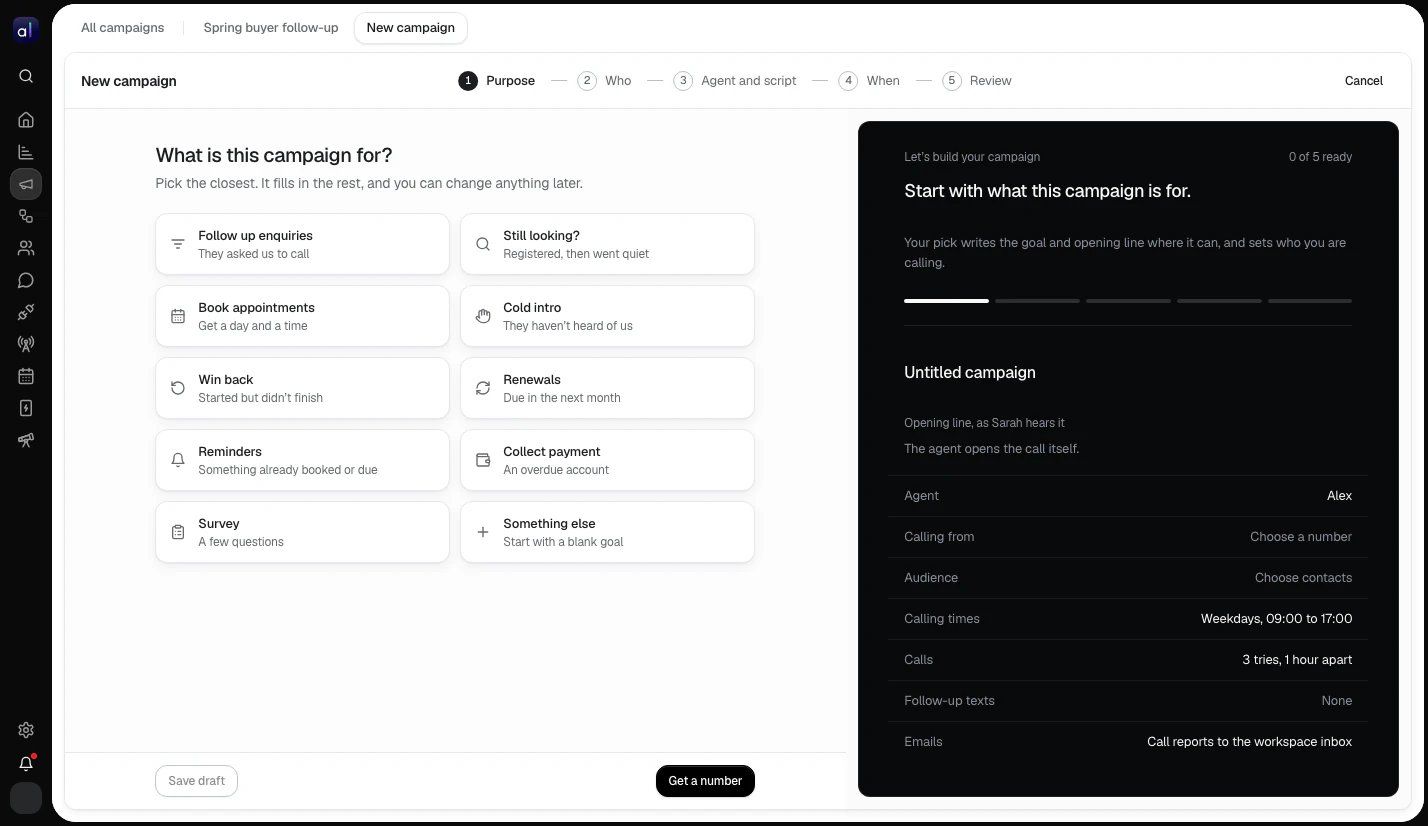
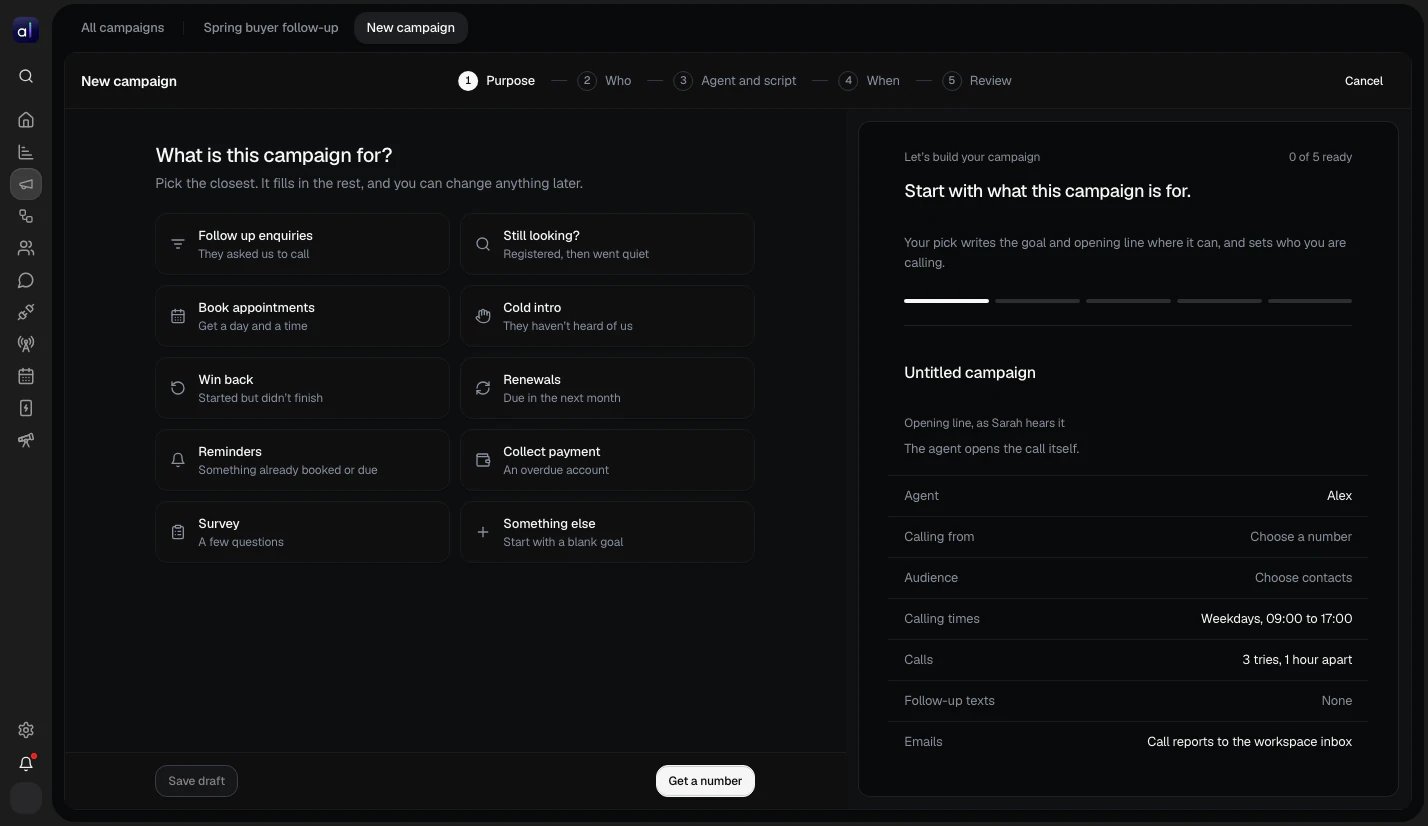
Step 1: pick what the campaign is for
A pick also suggests a name, such as “Book appointments, 26 Nov”. It never overwrites a goal or line you wrote yourself.
Step 2: Who
Who are you calling? Choose people already in SmartAlex, upload a new list, or, if Shopify or Rex is connected, call people when something happens there.- Lists: the lists you have uploaded.
- Segments: people grouped by their tags.
- Campaigns: people from earlier campaigns, by how their call went, such as Went to voicemail, We spoke to them or Never picked up.
- People: search for anyone, or Add a contact.
- Upload CSV: import a new list, then select it.
- Filters: narrow everyone you selected by role, audience group, or Never called.
Step 3: Agent and script
Under the opening line you see about how many seconds it takes to say. A line that is too long gets a Shorten it button with a suggested shorter line. How the goal and opening line combine with the agent’s own instructions, and how file columns reach each call, is in What the agent says.
On a collections campaign the opening line cannot use columns from your file, and it must not name the debt before the person is confirmed. Both block the start. See Outbound calling rules.
Step 4: When
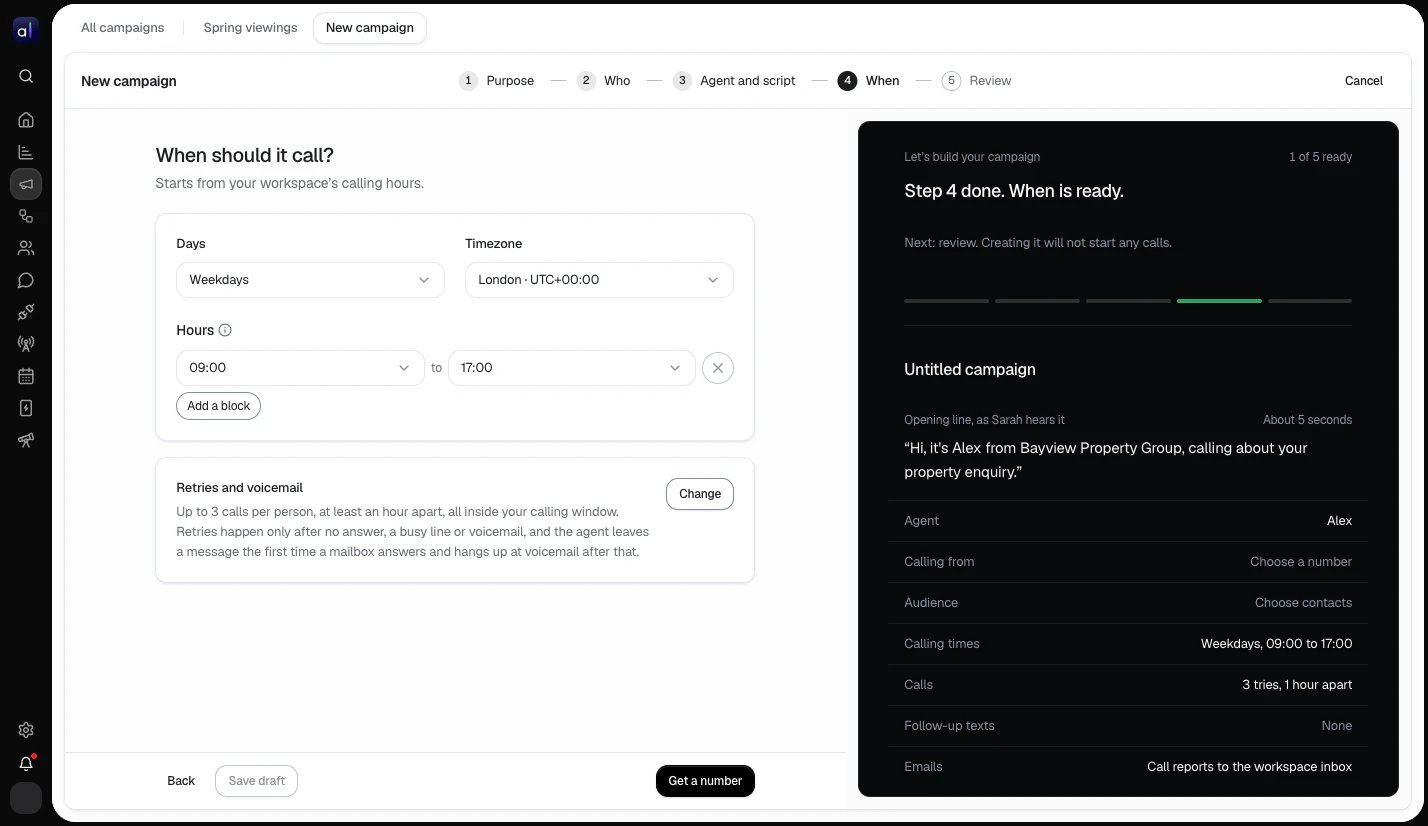
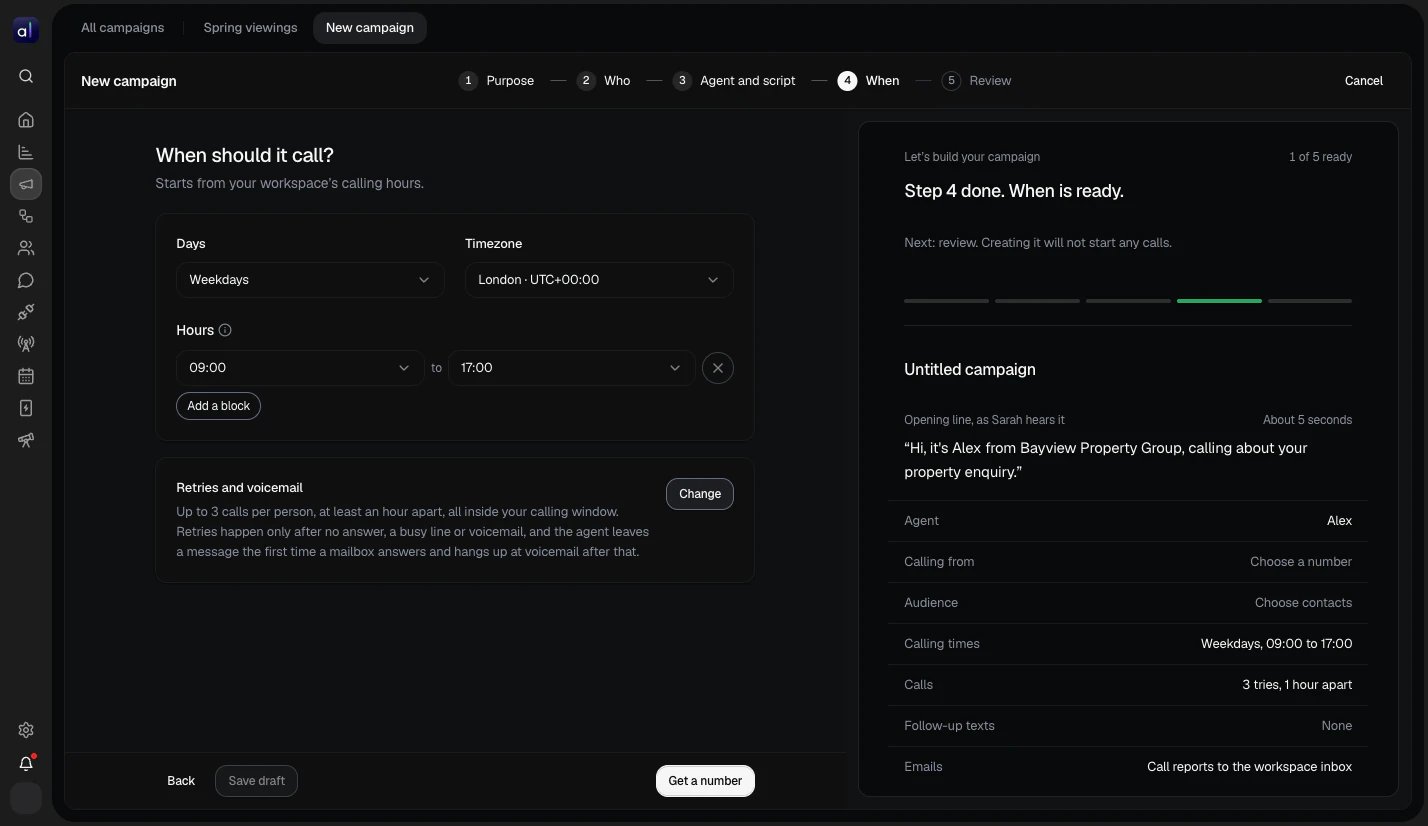
Step 4: when it may call
“Calls use each contact’s own timezone when we have it, otherwise the workspace one.” The Retries and voicemail card at the bottom shows how missed calls are handled; click Change to open it. If your workspace has saved defaults for new campaigns, the days, hours, time zone and retries start from those. See Calling hours and schedule.
Step 5: Review
Review and create lists For, Who (with how many people), Agent (and the number it calls from), Script and When, each with Edit.- Optional extras: Follow-up texts, Emails and Retries. Each opens its own screen; click Done to come back. See Follow-up texts and emails and Retries and voicemail.
- Campaign name: required, for example “Renewals push”.
- Test on one number first: when you press Start later, SmartAlex offers a test call to this number before anyone on your list is called. The test can be on the web or to a phone. Type a number with its country code, or Pick from contacts.
- Before calls go out lists what must be set, each with Fix. The items are Agent, Calling from, Audience, Purpose, Opening line, Goal, Calling times, Test call first, Emails and Balance. Worth checking lists recommendations, such as a voicemail message.
After you create it
The campaign opens as a Draft. Next, start it: Start a campaign.Questions people ask
How long can the opening line be?
How long can the opening line be?
Up to 45 words and 300 characters. The box stops at 300 characters, and a line over 45 words blocks Create campaign. Under 20 words keeps more people on the line.
Does Create campaign start calling?
Does Create campaign start calling?
No. Create campaign saves a draft and no calls start. You start calling from the campaign page with Start campaign, after its checks pass.
Why is Create campaign greyed out?
Why is Create campaign greyed out?
Something required is not set yet. The bar at the bottom says how many things are left. On Review, the Before calls go out list marks each one with a Fix button.
Can the agent open with the person's title and surname?
Can the agent open with the person's title and surname?
Yes. In the Opening line, click Insert field and choose Title and surname. The agent uses the title from your list, for example “Am I speaking to Ms Jones?”
How do I make the agent use the campaign's opening line?
How do I make the agent use the campaign's opening line?
Write it in the campaign’s Opening line, in the builder or in Campaign settings → Edit campaign. It is said instead of the agent’s own outbound opening line, for this campaign only. Left blank, the agent uses its own. See What the agent says.
Related
Start your first campaign
The whole job in one tutorial, from list to first call.
Start a campaign
The Ready to start checks, the test call and the policy tick.
Choose who to call
Lists, segments, past campaigns and connections.
Campaign settings
Every setting you can change after you create it.
Start free
Build an agent and talk to it in your browser in about a minute. No card needed.
Visit getsmartalex.com
See what SmartAlex does for your business, hear real agents and compare plans.