

- You will have: a map of every sidebar item, what it opens and its web address.
- Time: about five minutes.
- You need: a SmartAlex account. Sign in at getsmartalex.com.
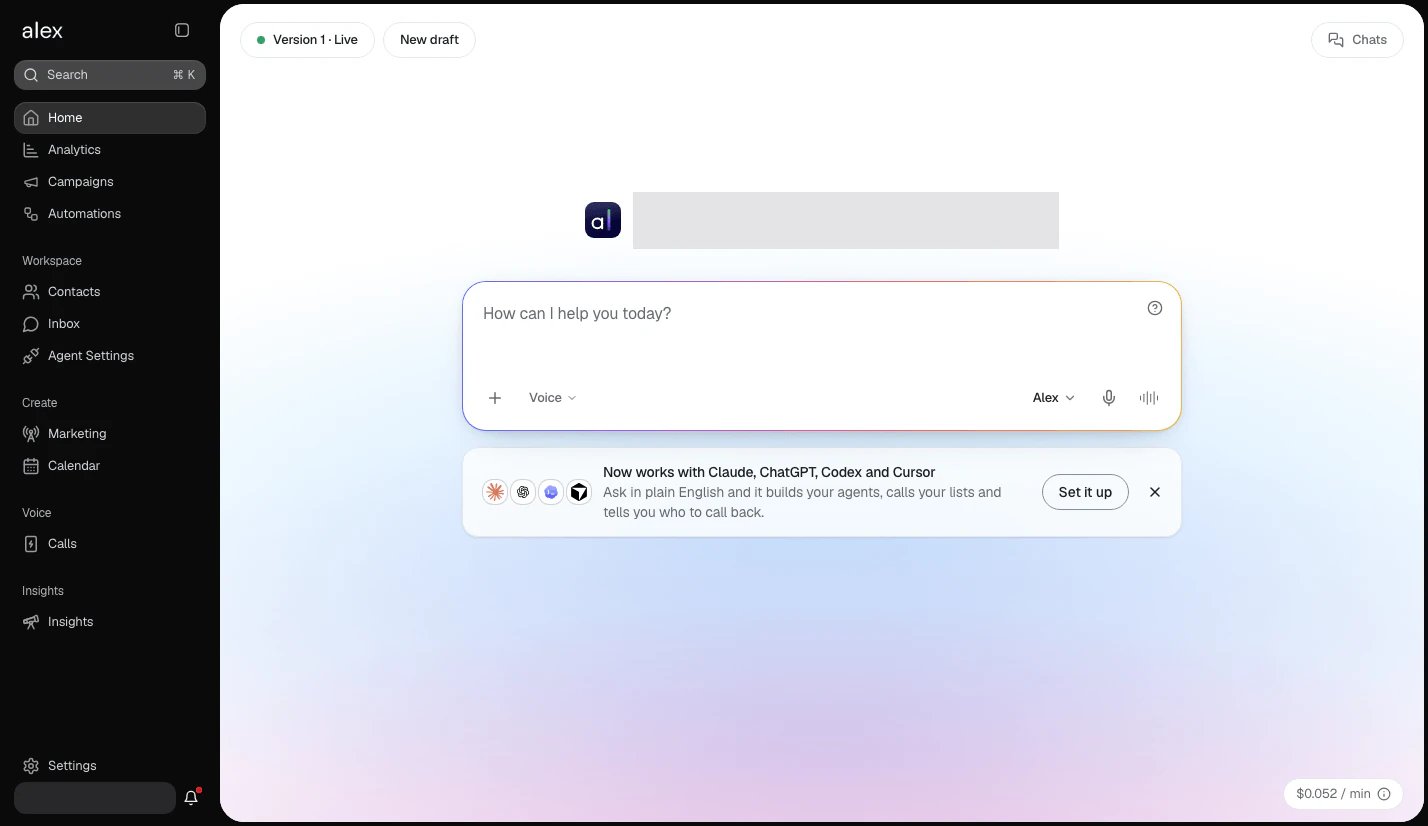
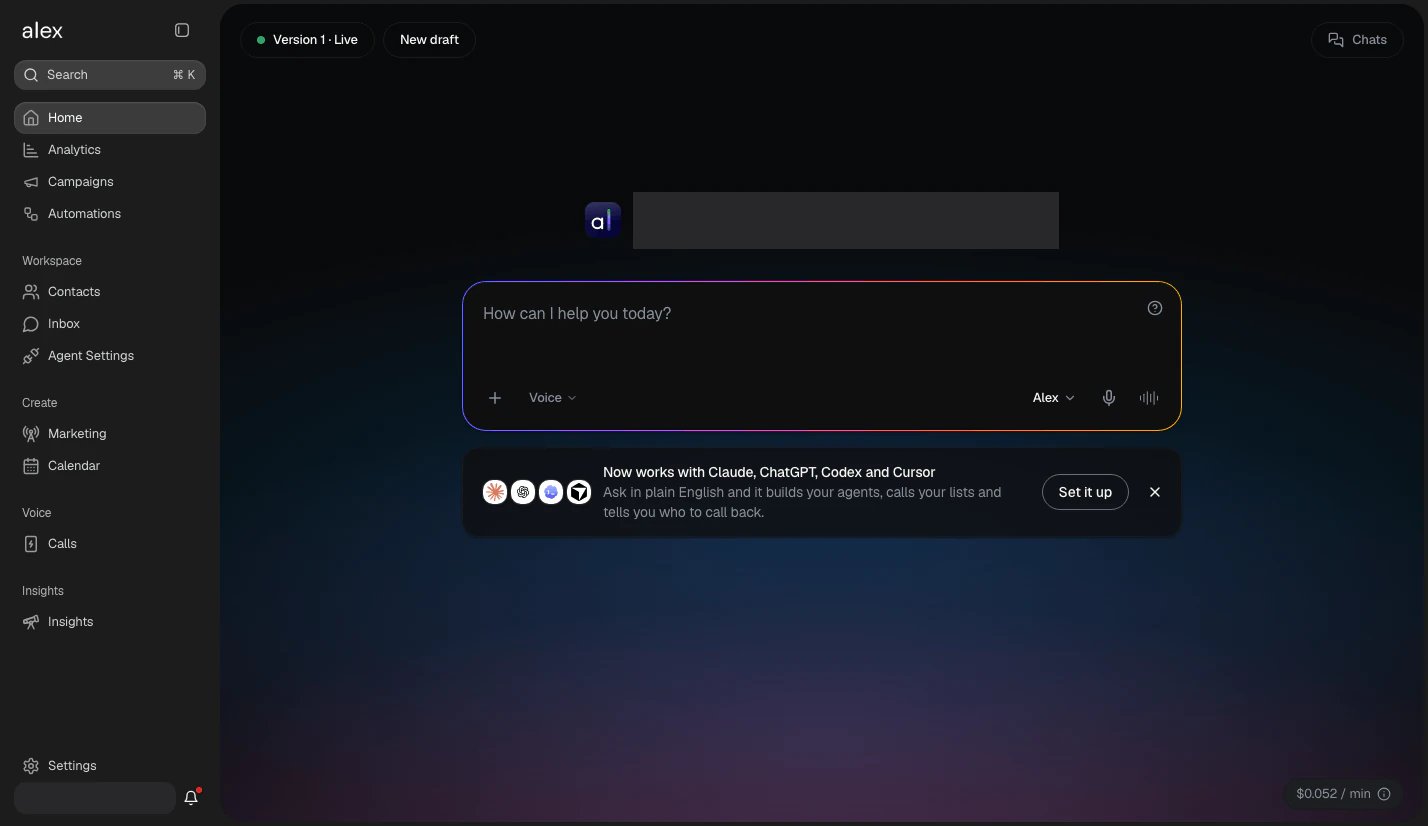
Every page you use is in the sidebar
What is in the SmartAlex sidebar?
The items below are in the order the sidebar shows them. The route is what you see in the address bar.
At the bottom of the sidebar:
- Settings opens your workspace and account settings, starting on Profile.
- The bell shows your notifications.
- Your account menu holds Theme (Light or Dark) and Help.
Why is an item missing from my sidebar?
Some items depend on your plan, your add-ons or your role in the workspace. For example, Campaigns depends on your plan or the Outbound Campaigns add-on. Owners and admins see Calls → Meetings, but members do not. If you expect an item and cannot see it, ask the workspace owner or compare plans on Pricing. Estate agency workspaces have their own menu: a Pipeline group with Contacts, Prospects and Campaigns, and a Property group with Properties.Where is Agent Settings?
Click Sidebar → Agent Settings, or on Sidebar → Home open the agent menu and click Agent settings. A panel opens over Home with a list of sections on the left:- Profile, with the tabs Name and workspace, Voice and greeting and Phone numbers
- Tools
- Connectors
- APIs
- Knowledge
- Widget
- Versions, every saved change to the agent
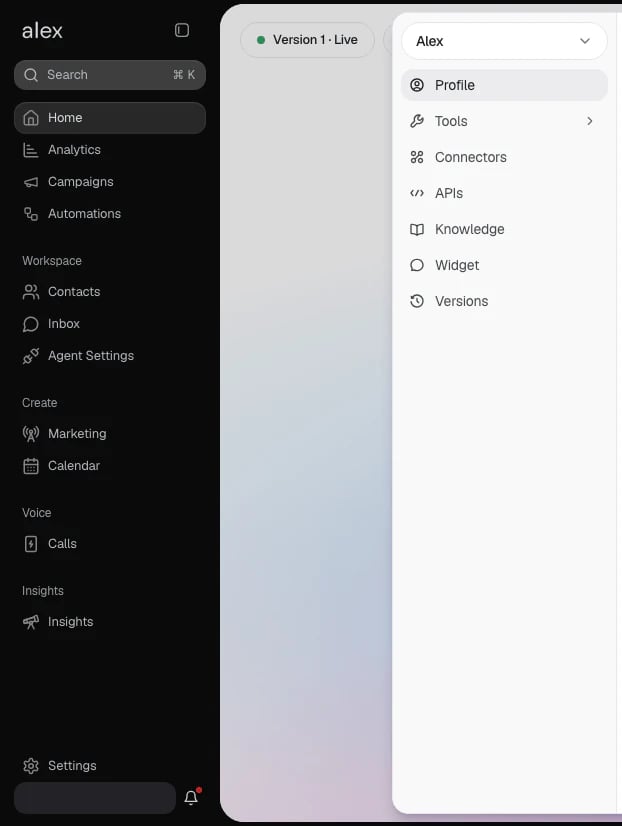
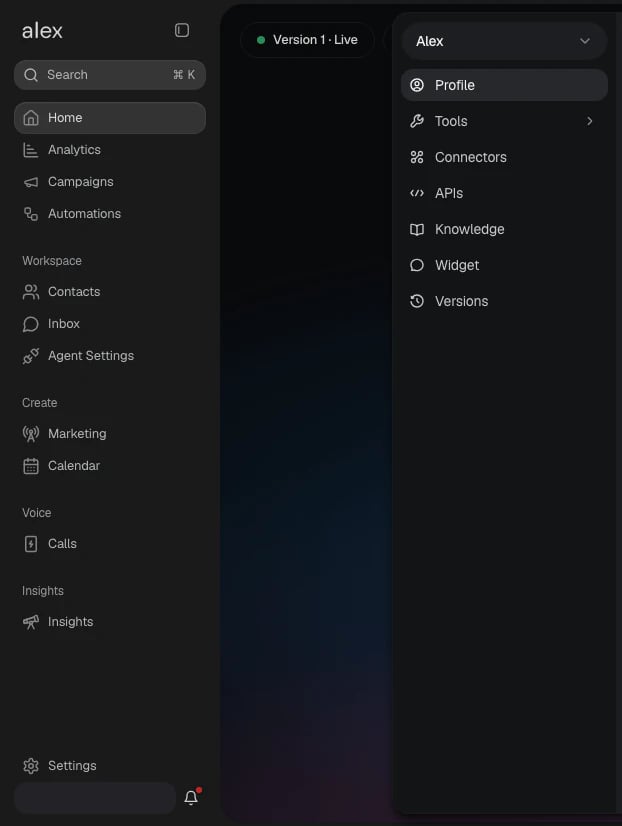
Agent Settings opens over Home
Check it worked
Click Sidebar → Calls → Numbers. The address bar shows /phone-numbers and the page title says Phone numbers.Questions people ask
Where are Settings in SmartAlex?
Where are Settings in SmartAlex?
Settings is the row at the bottom of the sidebar. It opens your workspace and account settings, starting on Profile.
How do I switch SmartAlex to dark mode?
How do I switch SmartAlex to dark mode?
Open your account menu at the bottom of the sidebar and click Theme. It switches between Light and Dark.
Next
Get a working agent
From your website to live calls in about five minutes.
Create your first agent
Build an agent on Home with the Create a new agent form.
Buy your first phone number
Choose a country and give your agent a number.