

In the app: Sidebar → Analytics → Overview (/analytics). It is the tab that opens first.
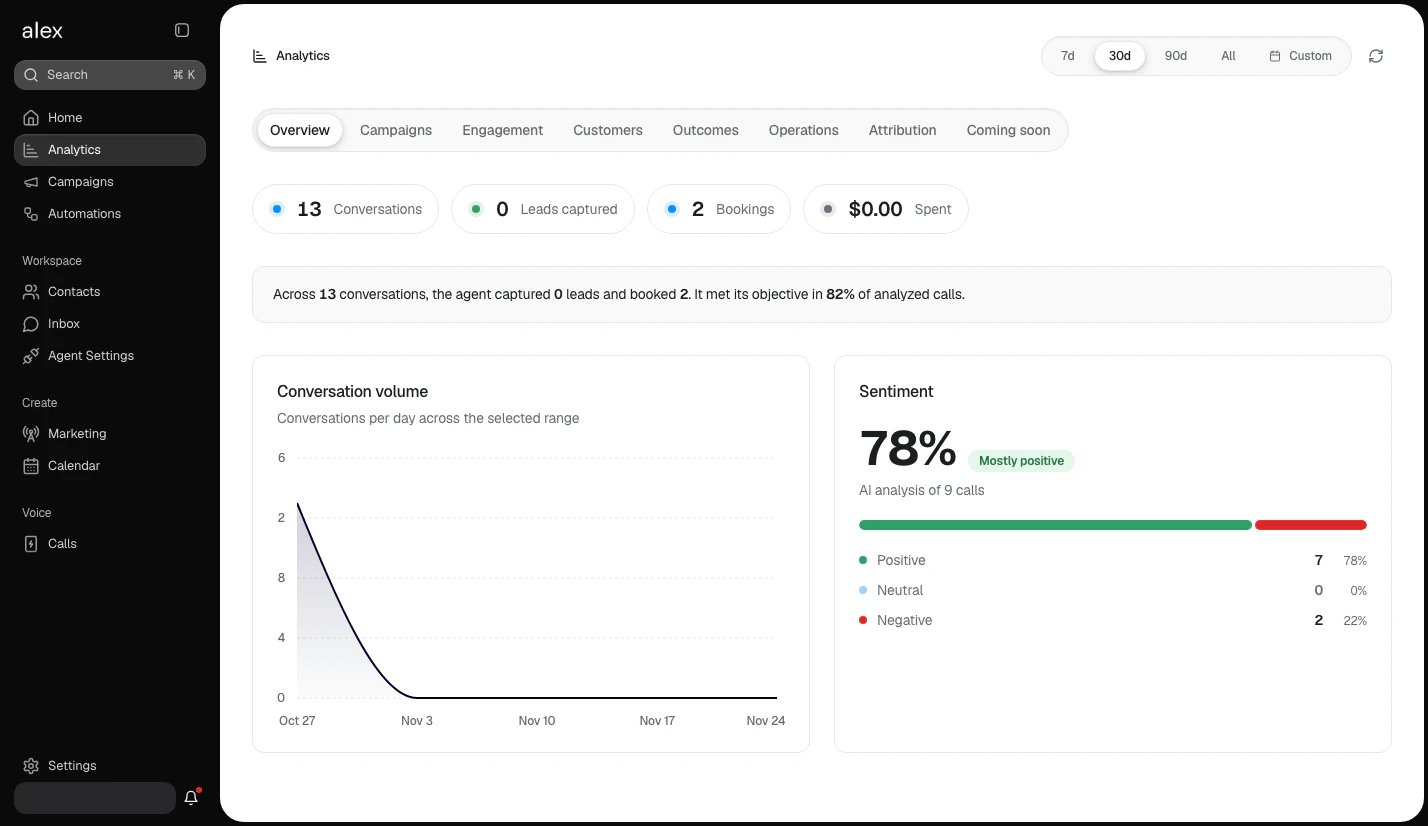
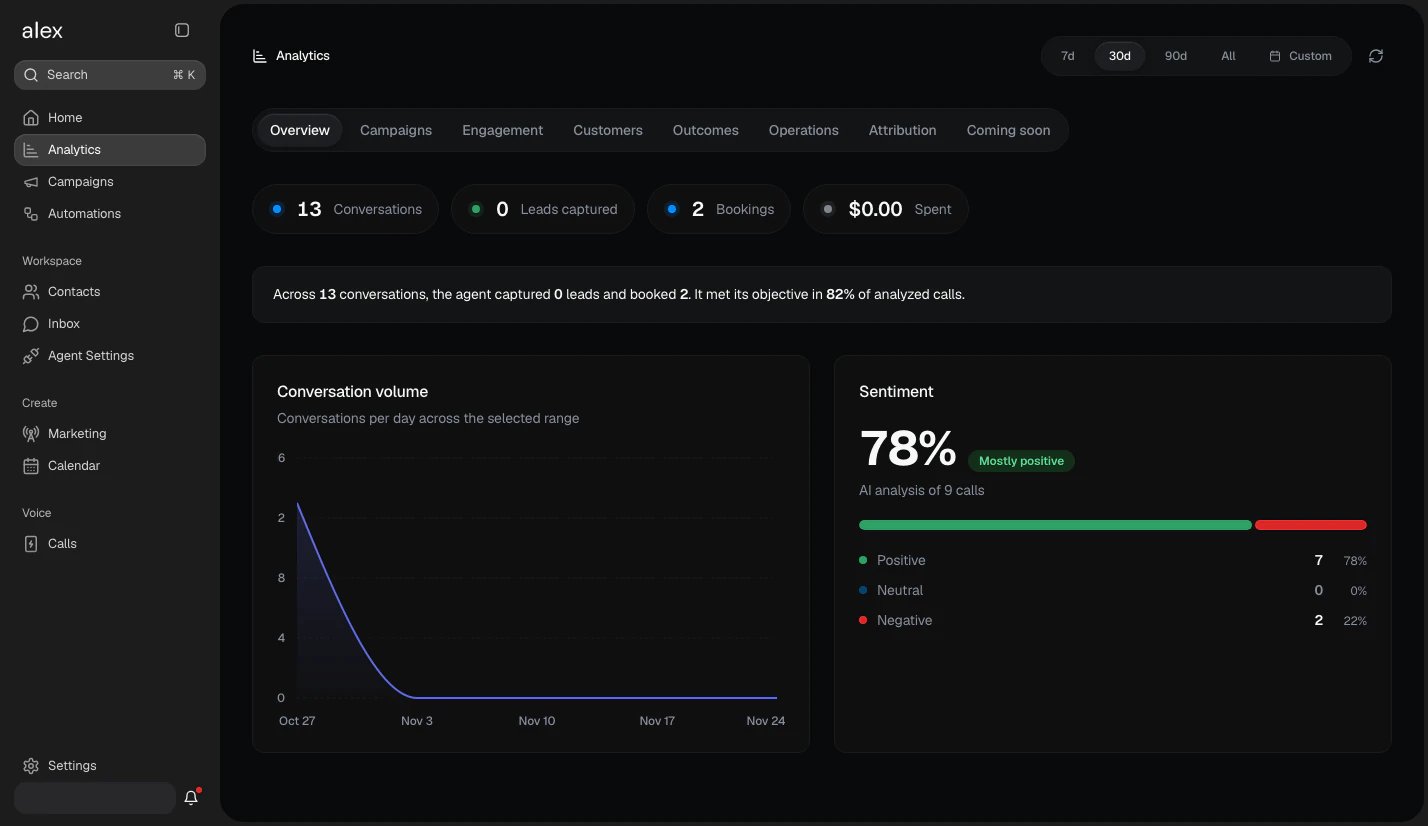
The Overview tab answers how many, how good and how much
The figures across the top
Both use the same per-call figures as the cost column in Call Logs. So Spent plus Paid with free credits matches what Call Logs shows for the same calls.
The summary line
Below the figures, one sentence tells the story in this shape:Across [Conversations] conversations, the agent captured [Leads captured] leads and booked [Bookings]. It met its objective in [share] of analyzed calls.The share is calls where the AI found the agent’s objective was fully met, divided by analysed calls. Until a call has been analysed, the line says “Objective analysis appears as calls are processed.”
Conversation volume
“Conversations per day across the selected range.” The chart counts calls by when they started. The bars group by size of range so the chart stays readable:Sentiment
The share of calls the AI rated Positive, Neutral or Negative. The big number is the largest share. The badge reads Mostly positive, Mostly neutral or Mostly negative, or Mixed when the top two shares are within 8 points of each other. Under it, “AI analysis of N calls” tells you how many calls had a sentiment.Questions people ask
Why is Conversations higher than my campaign's Called figure?
Why is Conversations higher than my campaign's Called figure?
Conversations counts every call, including tests, inbound calls and repeat calls to the same person. A campaign’s Called counts people. See Calls or people.
Why are there fewer bookings than my calendar shows?
Why are there fewer bookings than my calendar shows?
Bookings comes from the AI’s reading of each call. A meeting booked another way, or on a call that has not been analysed yet, is not in it. Your calendar is the record of every booking.
Can one call be a lead and a booking?
Can one call be a lead and a booking?
Yes. A call can count in Leads captured and Bookings at the same time.
Why is Paid with free credits not showing?
Why is Paid with free credits not showing?
It only shows when a call in your date range was paid for by free credits or included minutes. Pick a wider range if you expect one.
What does Spent include?
What does Spent include?
Charges for calls, test calls and forwarded calls in the range. It does not include your plan, number rental, add-ons or top-ups.
Related
Outcomes tab
Objectives met, quality and cost by call type.
How numbers are counted
Dates, call types, connected time and spend.
Call Logs
Open any call behind the figures.
Billing and top-ups
Your wallet and free credits.