

In the app: most checks are in Agent Settings (/home?settings=profile). Business hours, billing and notifications are in Settings, at the bottom of the sidebar.
What you need
How the checks fit together
A call only reaches your customer’s ear when every part in this chain is ready. Work from left to right.1. The agent is ready
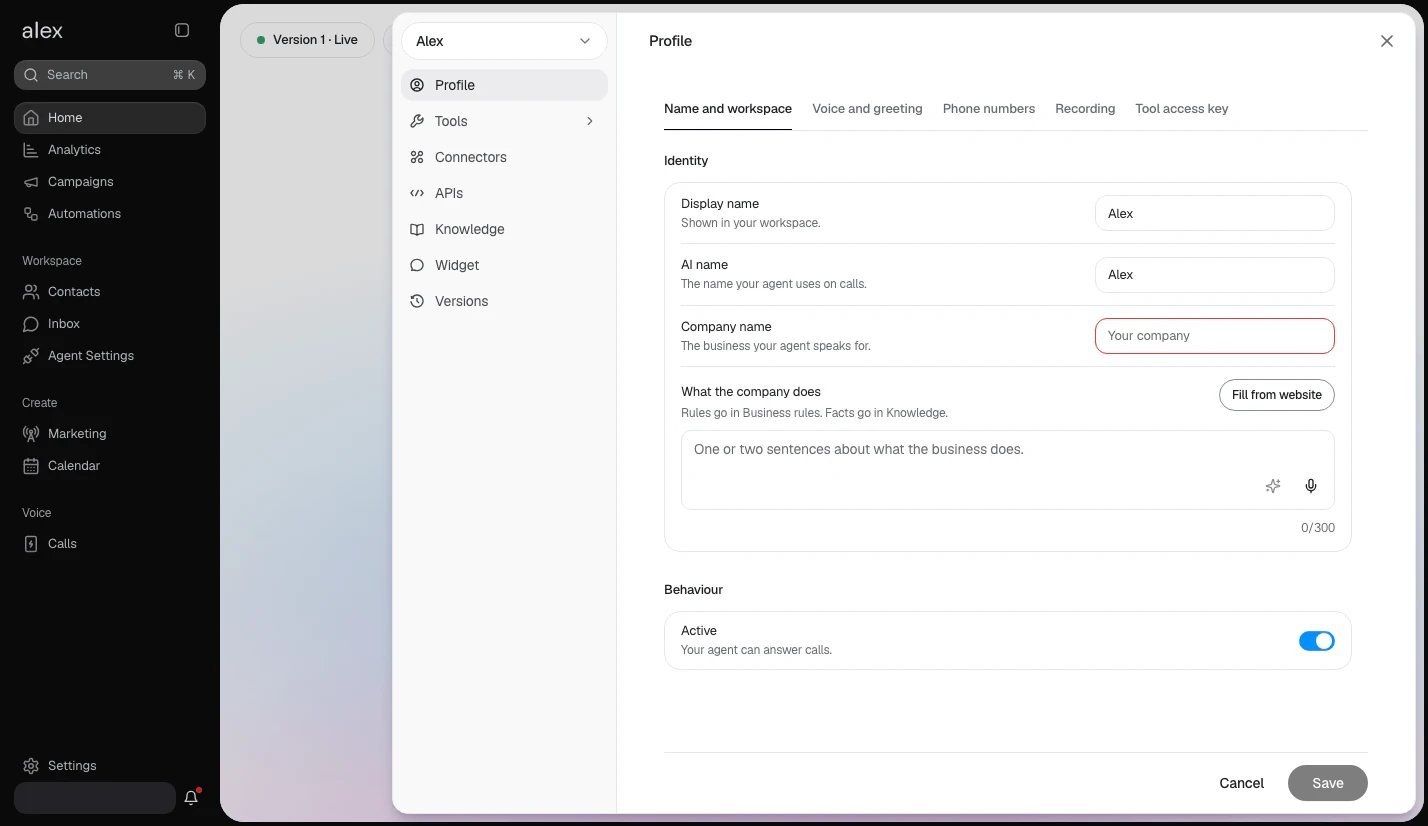
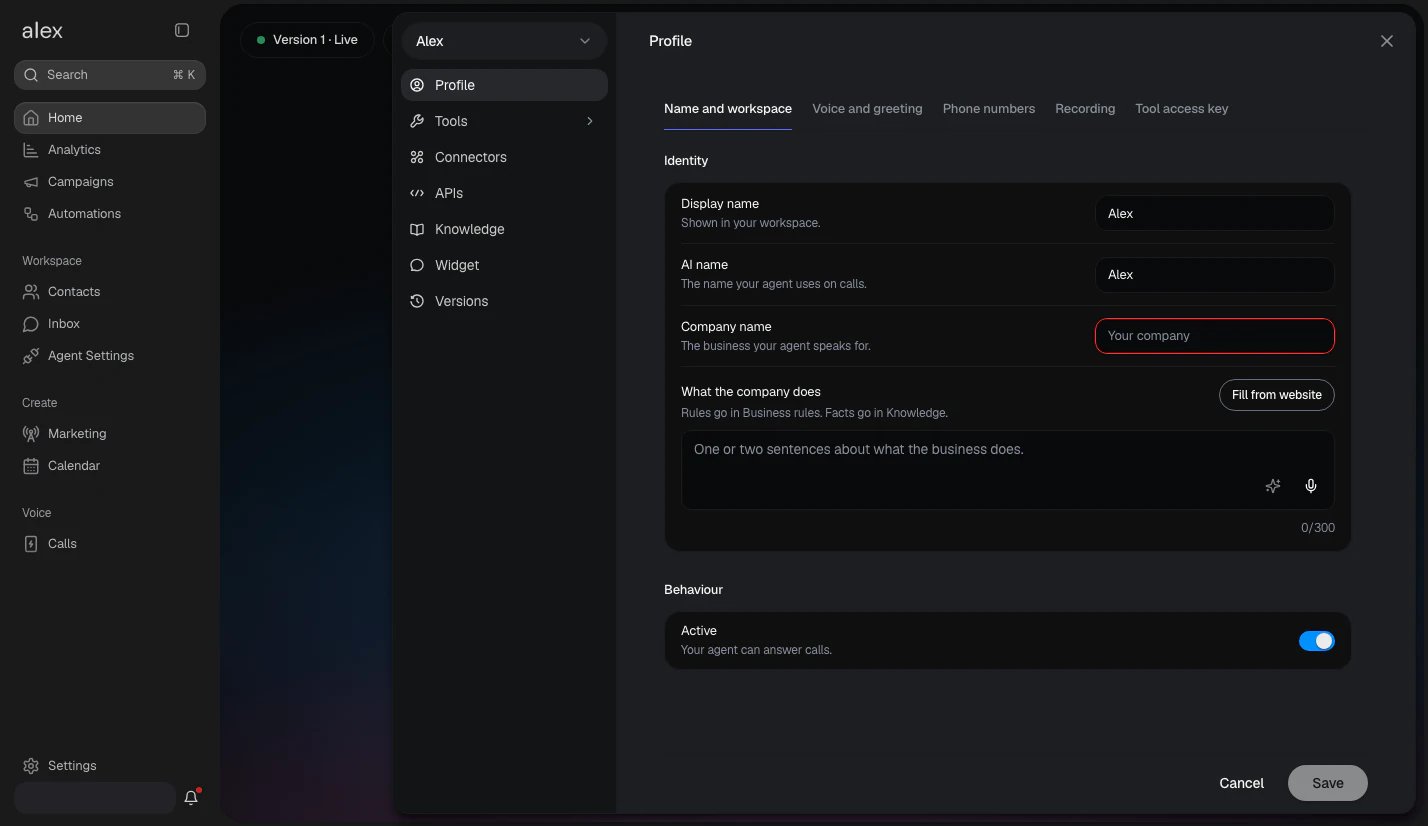
Active must be on for the agent to answer
2. The number rings your agent
In Australia, a number also needs an approved verification first, under Calls → Verification. See Verify your number.
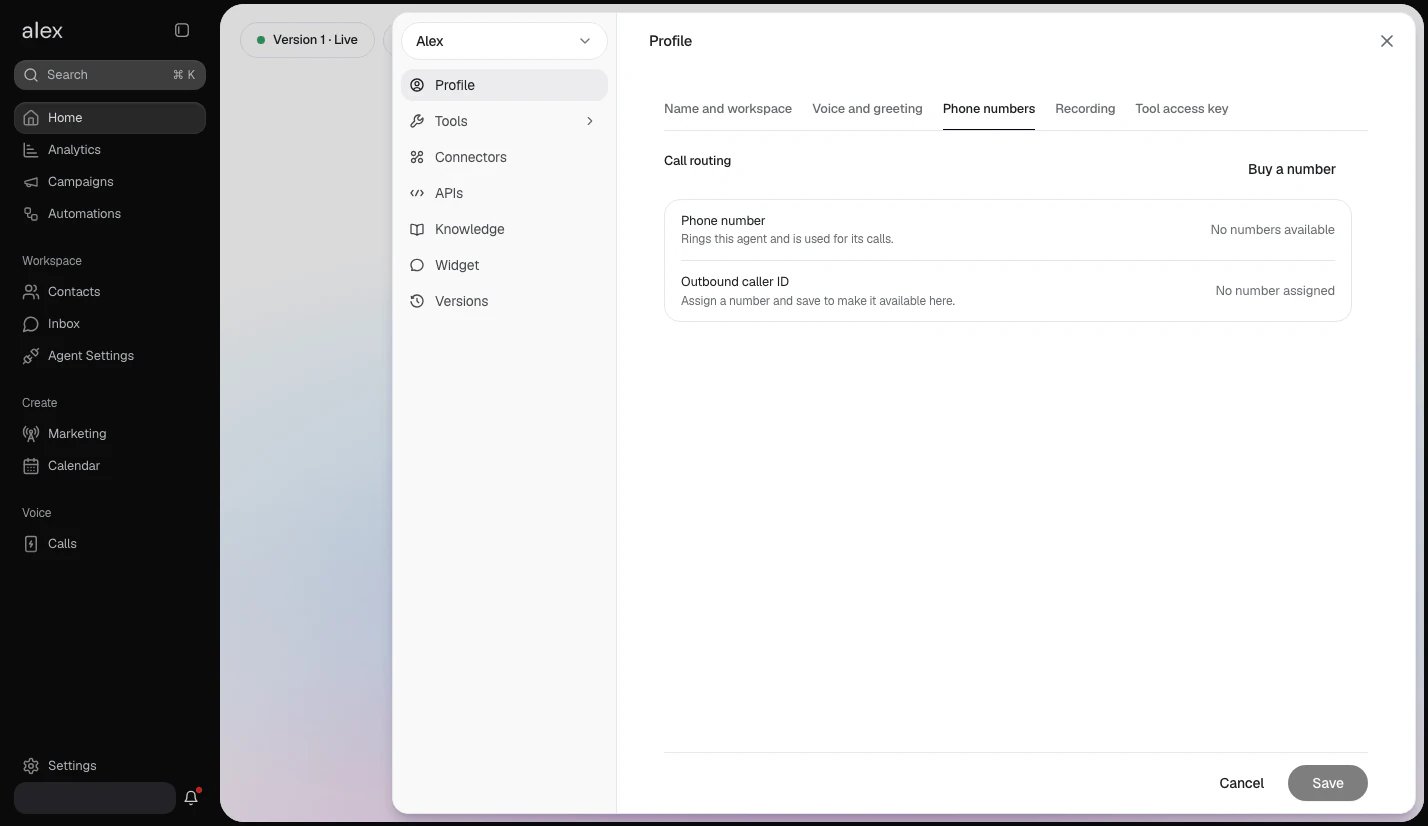
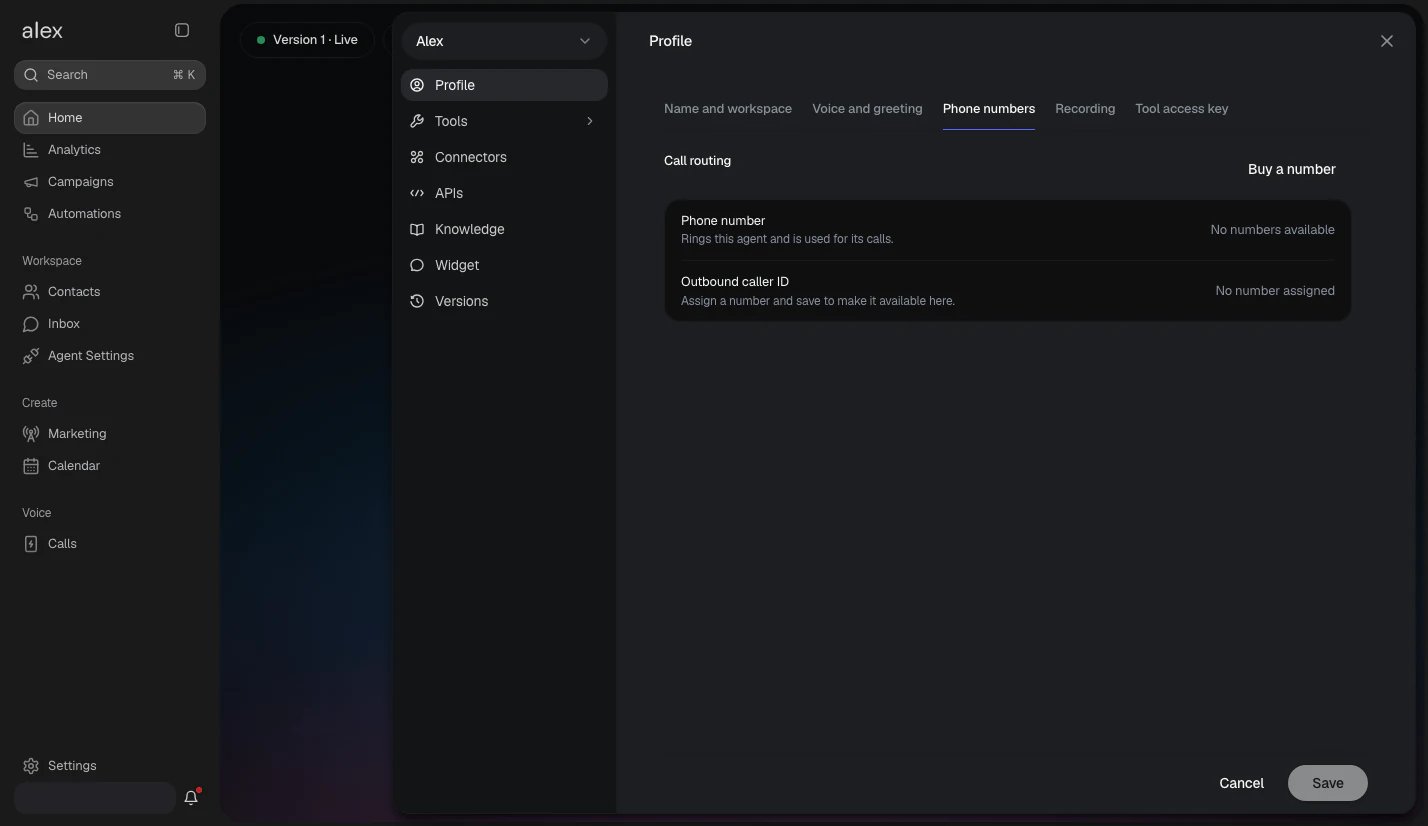
The agent's number and caller ID live here
3. Callers can reach your team
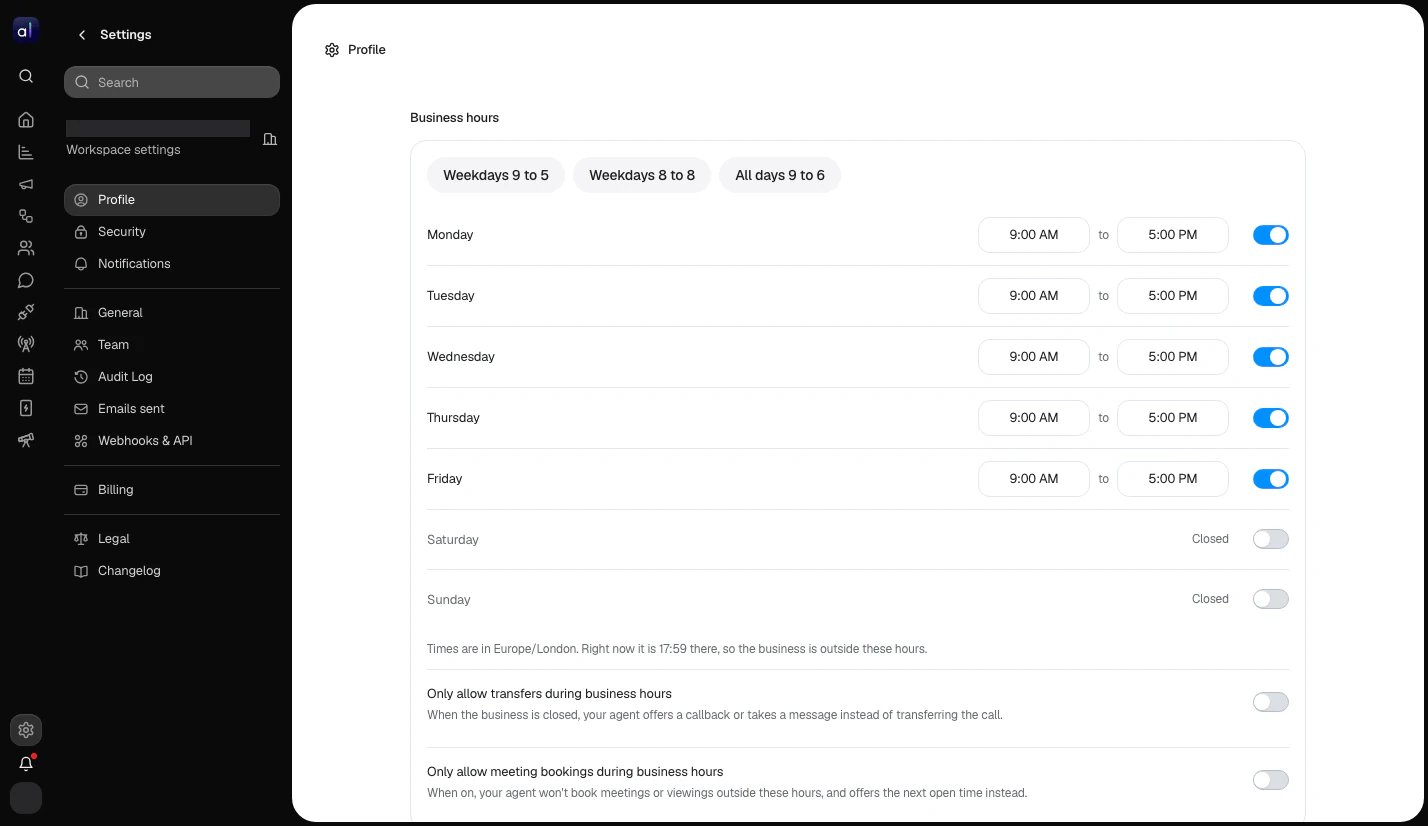
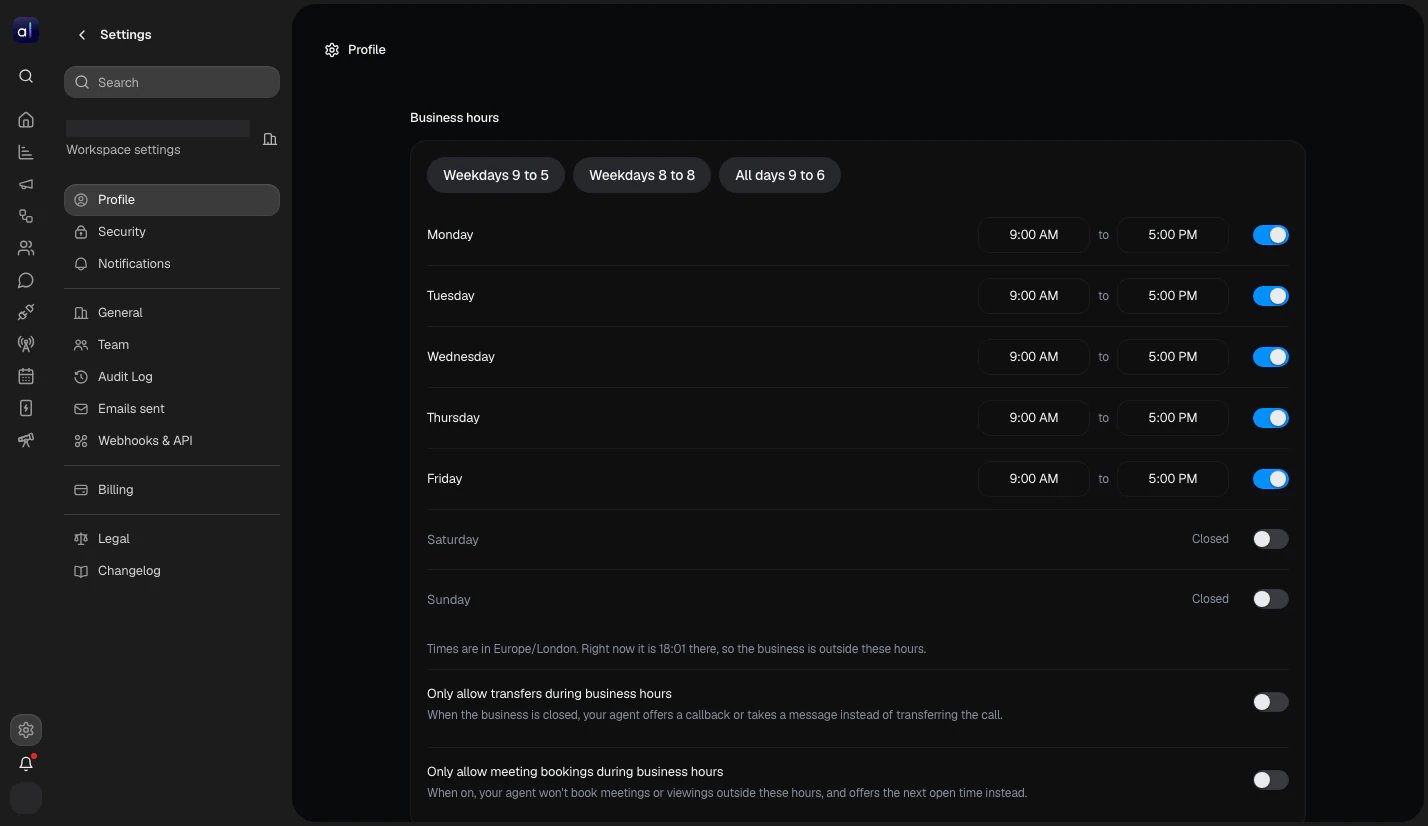
Set your open hours and when transfers and bookings happen
4. Your wallet will not run dry
When your plan’s included minutes and your wallet are both empty, the agent stops answering until you top up. A monthly spend limit, set on the same Auto top-up screen, also holds calls back once it is reached. See Pay for SmartAlex.
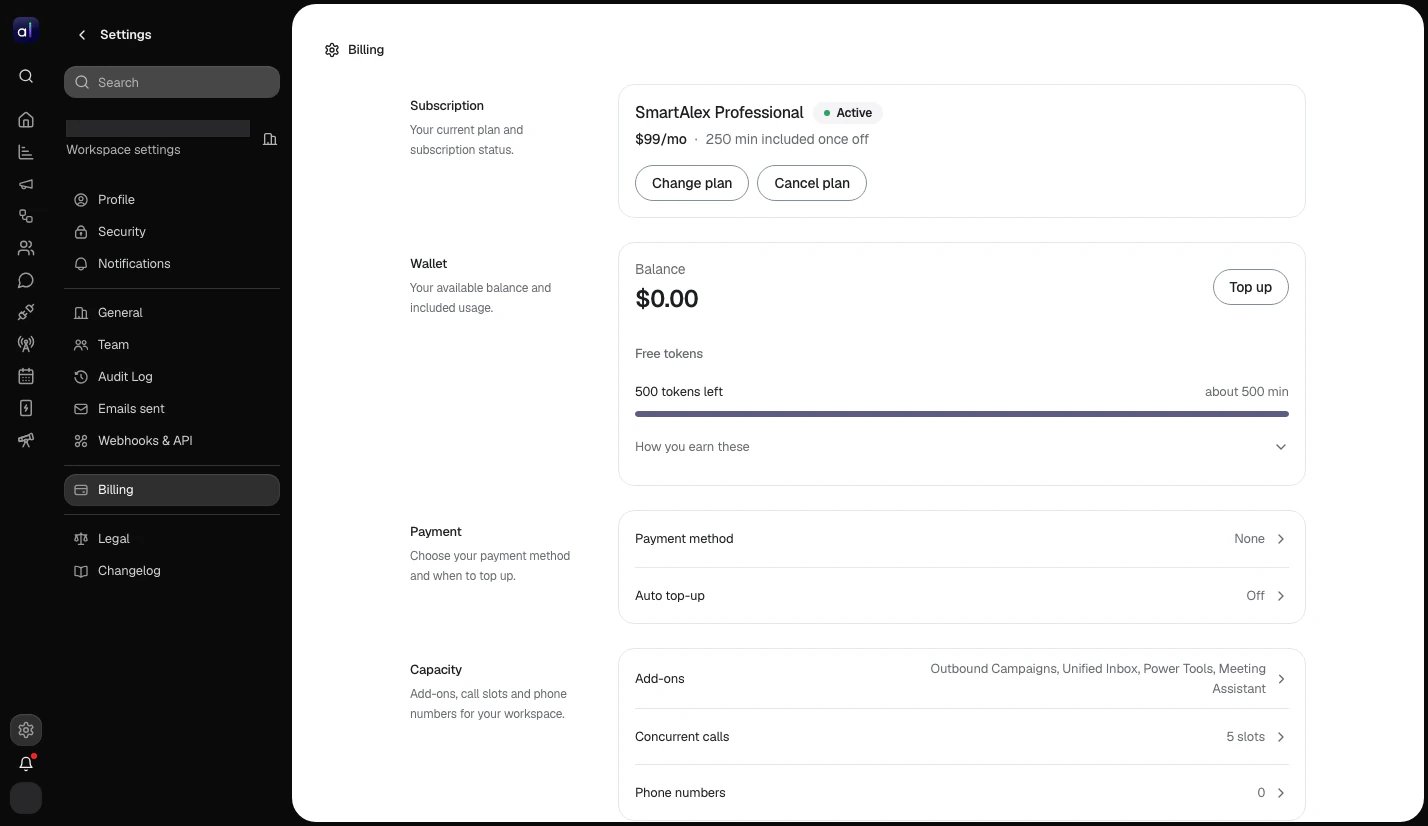
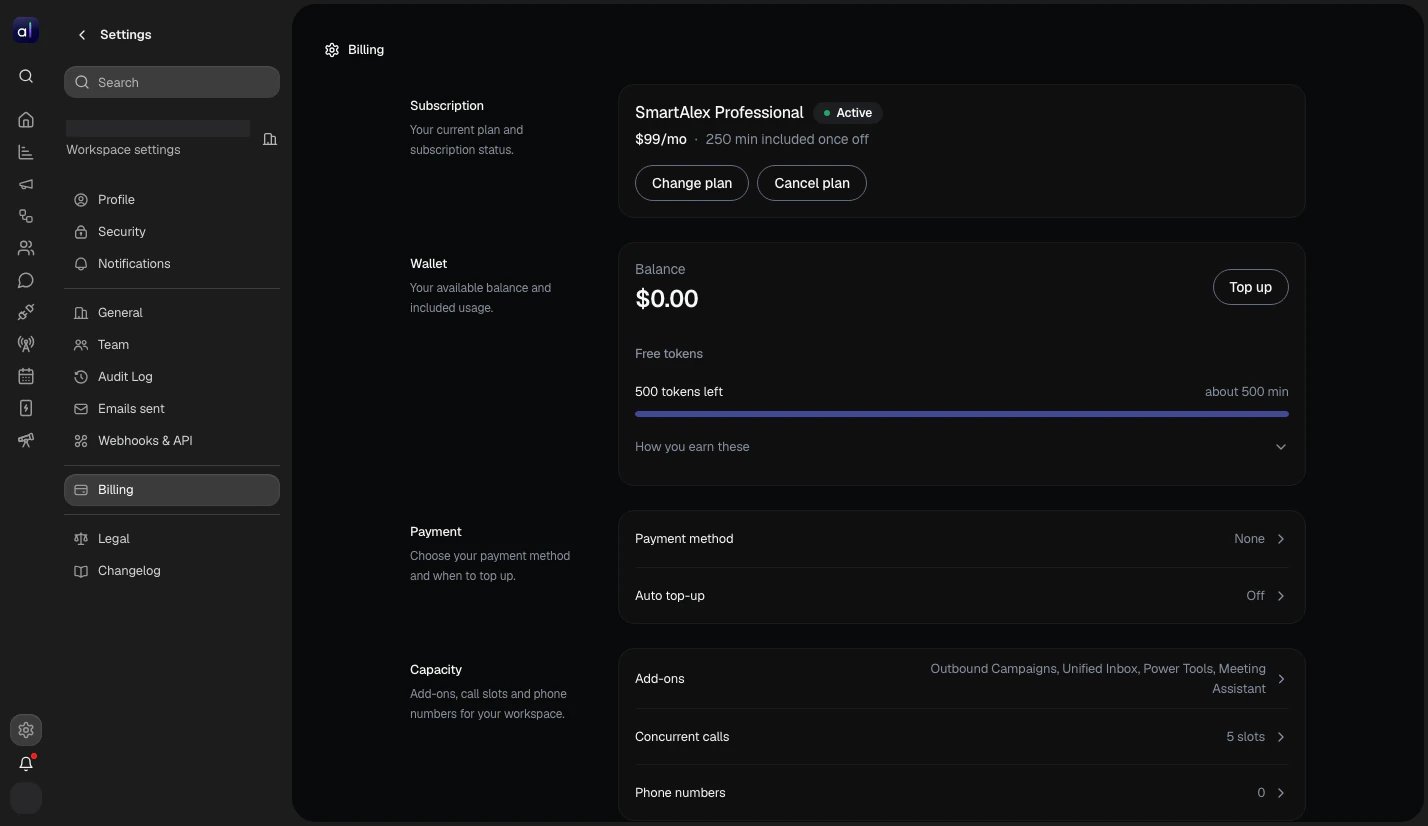
Keep money in the wallet and switch on Auto top-up
5. Your tests passed
The checklist
Copy this list and tick each line as you go.- 1. Active is on.
- 2. The AI name is right.
- 3. The greeting says what I want.
- 4. I have heard the voice and accent on a test call.
- 5. Knowledge has my website, prices, hours and policies.
- 6. Home reads Version N · Live, with no draft waiting.
- 7. The agent has a Phone number.
- 8. My forwarded number reaches the agent, if I forward one.
- 9. Transfer Call has my team, a default, and its switch shows On.
- 10. Business hours and time zone are saved.
- 11. Take messages is on.
- 12. My notifications are on, and I know where Callbacks are.
- 13. My wallet has money in it.
- 14. Auto top-up is on.
- 15. All eight test calls passed.
Check it worked
Ring your number from a mobile you have not used before. Your agent answers with its greeting, and a minute after you hang up the call is at the top of Calls → Call Logs.After you go live
- On the first day, open Calls → Call Logs a few times and read the summaries.
- Every morning, look at Calls → Callbacks for callbacks due and missed transfers.
- When something changes in your business, tell Alex on Home, so the agent always has the latest.
Questions people ask
My agent is not answering calls. What do I check?
My agent is not answering calls. What do I check?
Look at three checks. Check 1: Active is on. Check 7: the number is assigned to this agent. Check 13: the wallet or plan minutes are not used up. Then ring the number again.
What happens to callers when my minutes and wallet are empty?
What happens to callers when my minutes and wallet are empty?
The agent stops answering. The caller hears the call pick up and end after a moment, with no message, and you get a notice to top up. Switch on Auto top-up under Settings → Billing → Payment so the agent keeps answering.
Can I change the agent after it is live?
Can I change the agent after it is live?
Yes. Tell Alex on Home what to change. To try several changes without touching real calls, start a draft with New draft and publish when you are happy.
Next
Answer your calls
Tune business hours, transfers, messages and call logs.
Run your team
Invite the people your calls go to.