

In the app: Sidebar → Insights → Reports (/reports). It has two tabs, Reports and Settings. Every plan has it, and the Reports permission comes with your role. Owners, admins and members can make reports, and viewers can open reports but not make them. Settings only shows if your role can change reports.
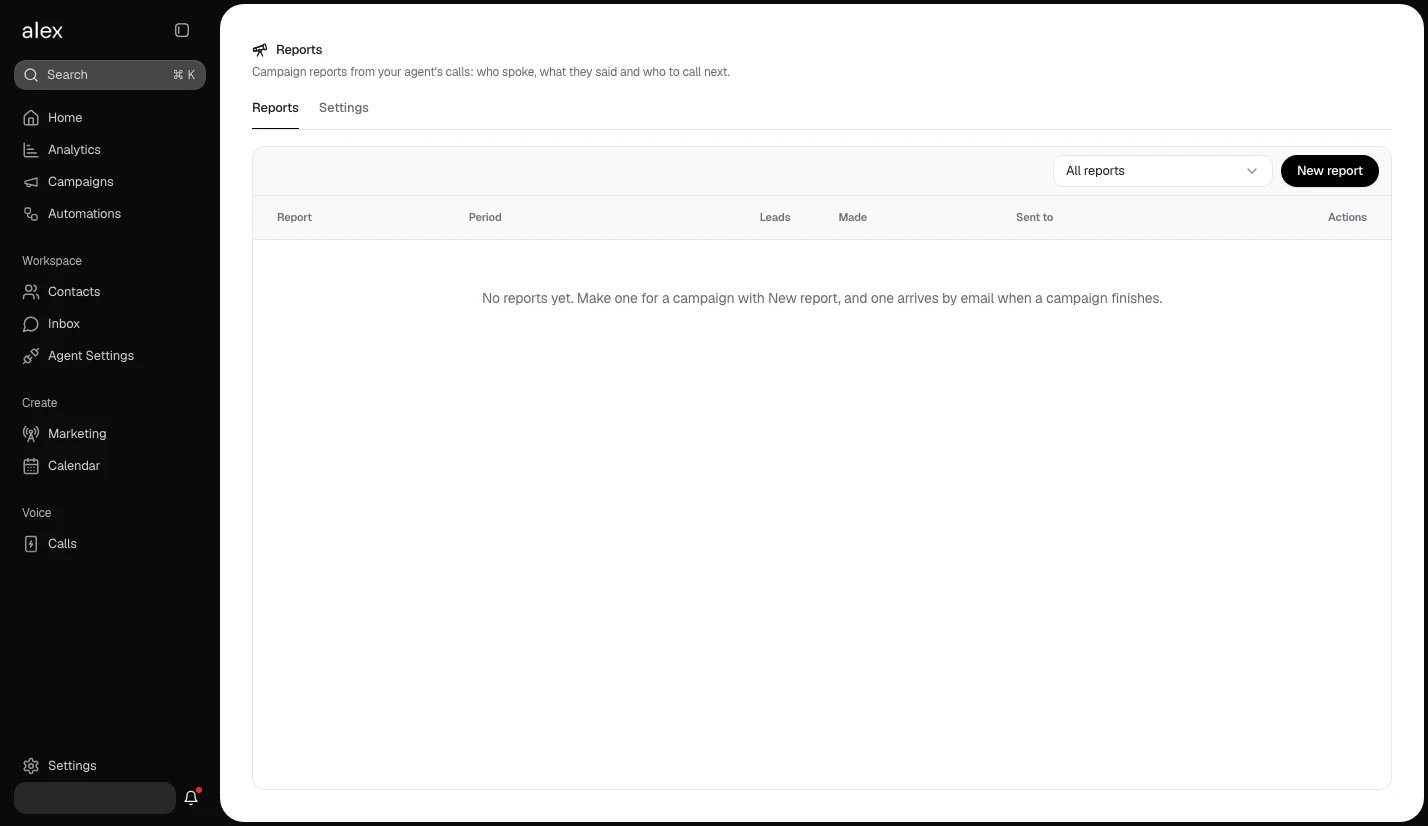
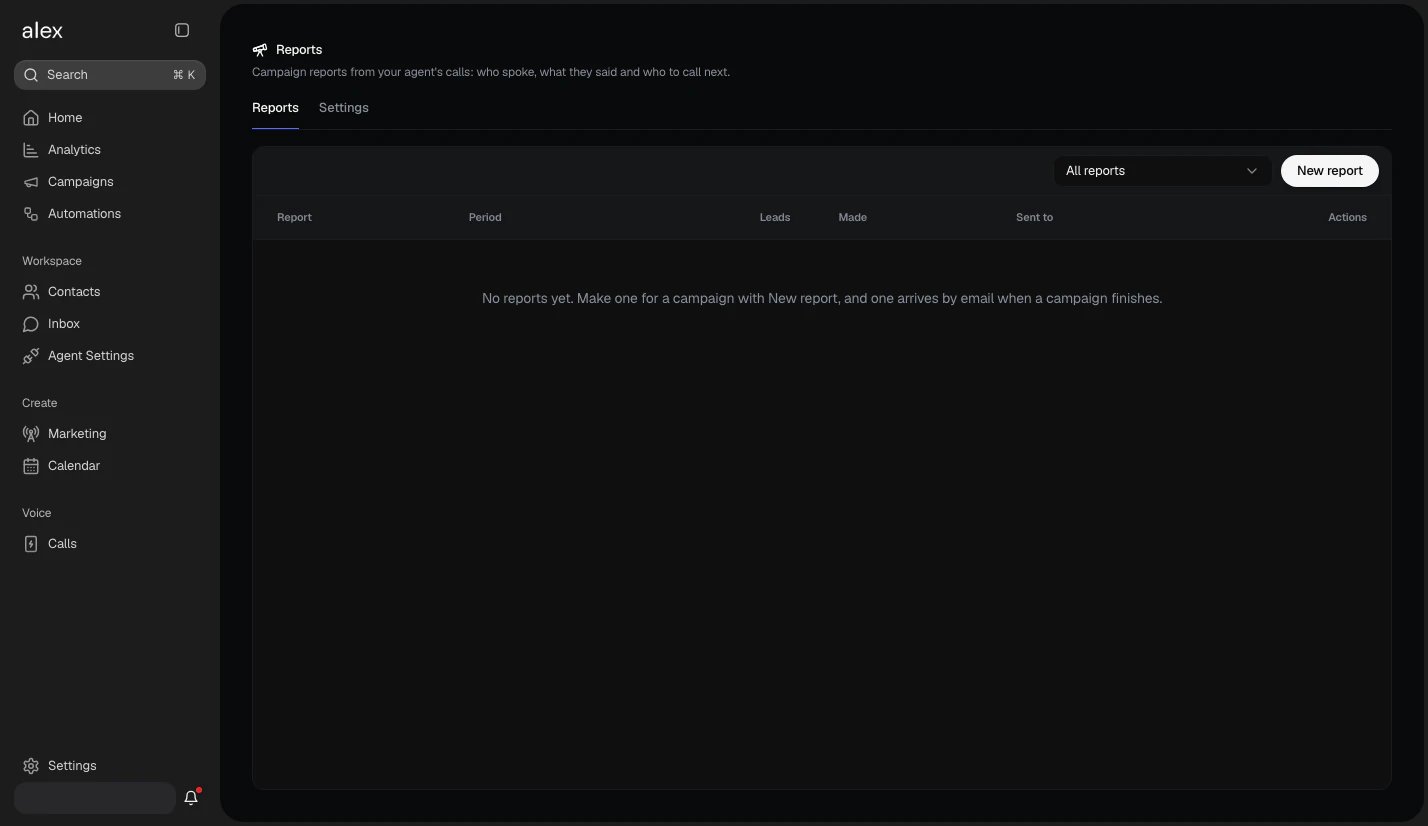
Every report in one list
Make a report
1
Open Reports
Click Sidebar → Insights → Reports (/reports). Or, on a campaign’s page, click Campaign report to start one for that campaign.
2
Click New report
The New report panel opens.
3
Choose the campaign
Pick it under Campaign. If you have none yet, the panel says “A report covers a campaign’s calls. Start a campaign first, then make its report here.”
4
Choose the period
Under Period, pick one:
- Whole campaign: “Every call since the campaign started.”
- Today so far: “Today’s calls, compared with every call before today.”
- Last 7 days: “The last week of calls, compared with the weeks before.”
5
Click Make report
A row shows “Making the report” with “Ready in a few seconds, the PDF a minute later”. When the report appears in the list, click View.
The list of reports
Use the Campaign filter at the top to see one campaign’s reports, or All reports.
Actions on a report
A stored report never changes. To include newer calls, make a new one.
Questions people ask
Do I have to make reports myself?
Do I have to make reports myself?
No. When a campaign finishes, SmartAlex makes a whole-campaign report and emails it within half an hour of the last call. You can also turn on a daily report and a weekly summary. See Report emails and schedules.
What is in a report?
What is in a report?
The headline figures, next steps, how the calls ended, how fast the agent spoke and the best hour to call. It also groups every person who spoke by what they said, with quotes and a link to each call. See What is in a campaign report.
Can I report on all my campaigns at once?
Can I report on all my campaigns at once?
Yes, with the weekly summary under Settings: one report on the last 7 days across every campaign that called.
Why do my test calls show in a report?
Why do my test calls show in a report?
Calls to test contacts, your own lines and your team’s phones are left out already. Add any other staff or test numbers under Settings → Leave out calls to these numbers.
The list says there are no reports yet
The list says there are no reports yet
The full message is “No reports yet. Make one for a campaign with New report, and one arrives by email when a campaign finishes.” Click New report.
Related
Report emails and schedules
Who gets reports, and when.
What is in a campaign report
Every section and how it is counted.
Broker reports
Real estate: a report per broker every week.
Campaign results
One campaign’s live results.