

In the app: click your workspace name at the bottom of the sidebar, then choose under Workspaces. The full list is in Settings → General (under Workspace) → Your workspaces (/account?tab=workspace).
How workspaces fit together
This diagram shows one login belonging to several workspaces, each with its own role and data.- Your login is your email and password, Google account or company sign-in. It is the same in every workspace.
- Each workspace has its own data and team. Nothing is shared between workspaces. The workspaces you own run on your account’s plan.
- Your role can differ in each one. You might own your own workspace and be a viewer in a client’s.
Switch workspace
1
Open the account menu
Click the row at the bottom of the sidebar that shows your current workspace name.
2
Choose a workspace
Under Workspaces, click the one you want. The current one has a tick.
See who owns a workspace and your role
Open Settings → General. Under Workspace details you see:
Only the owner pays for and controls a workspace. To find out who it is, ask an admin, or open Billing: non-owners see a button to Email the owner.
Add a new workspace
Use a new workspace for a separate business or brand, so its agents, numbers and contacts stay apart. Open Settings, click General under Workspace, open the Your workspaces tab and press Add workspace. Type a Workspace Name and press Create Workspace. You become its owner and move into it.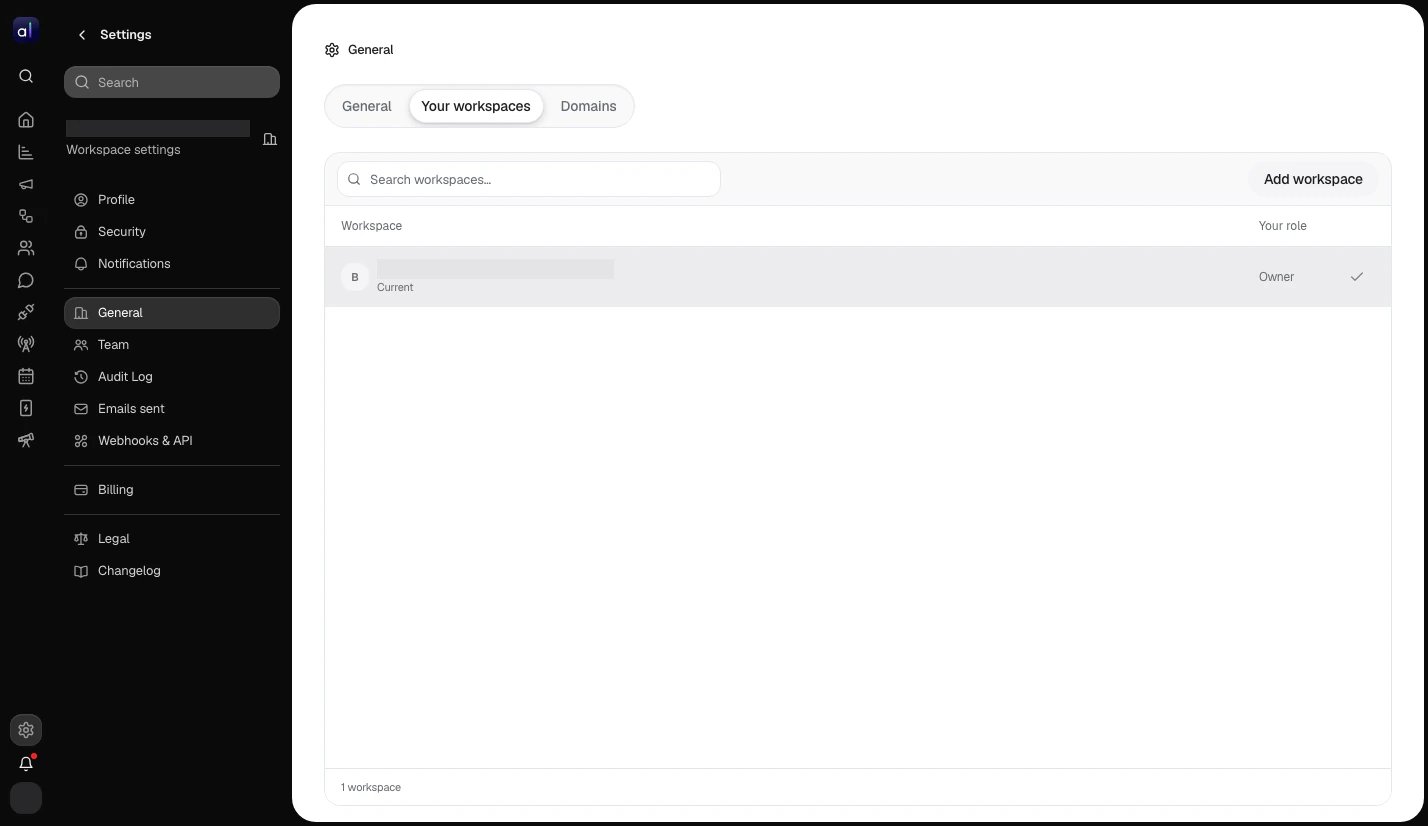
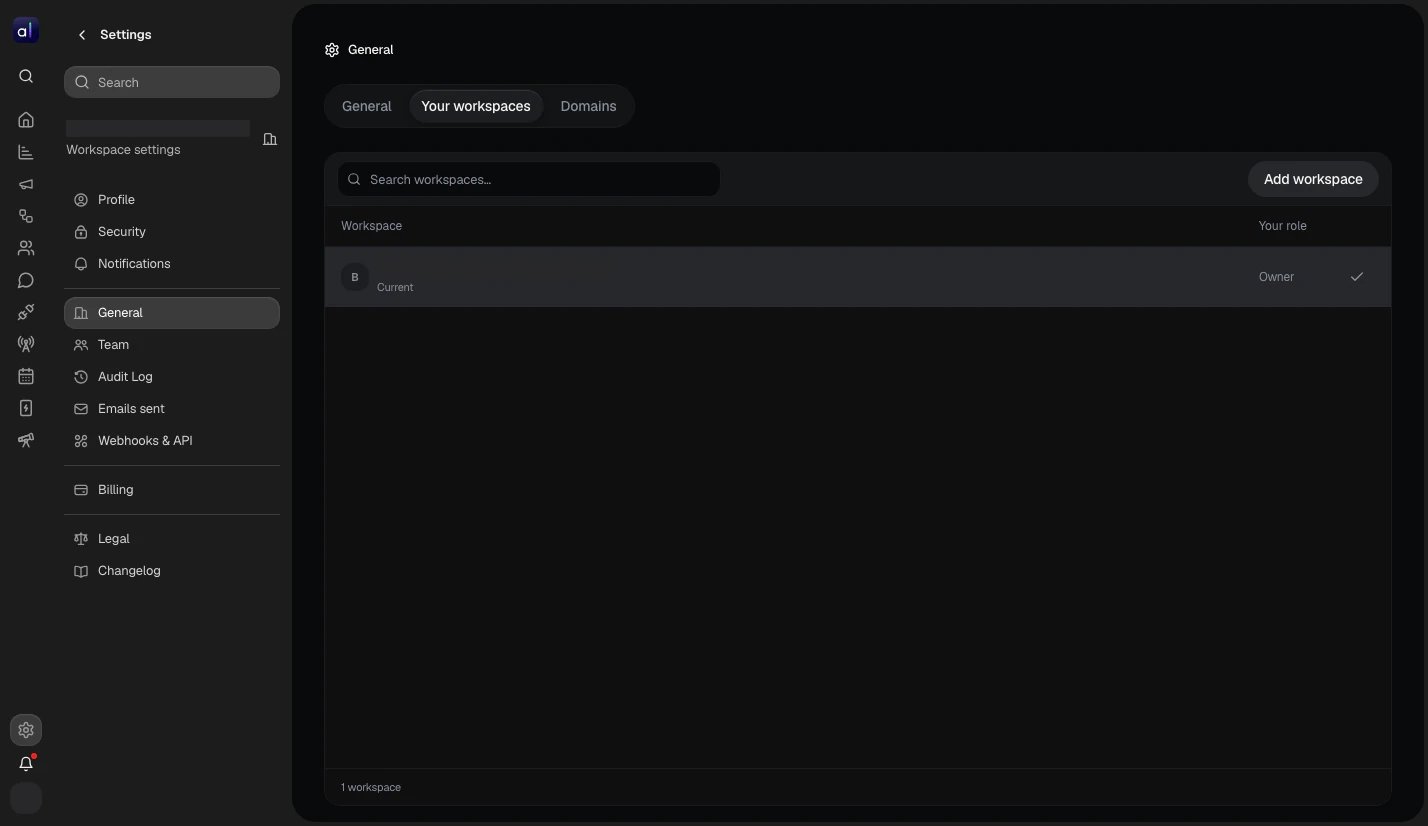
Every workspace you belong to
Joining someone else’s workspace
You join another workspace by invitation. Accept it and the workspace is added to your list. See Accept an invitation.On the mobile app
If you belong to more than one workspace, tap the workspace name at the top left of the app’s home screen and choose another. Settings → Workspace does the same. You cannot switch during a call. Alerts on your phone follow the workspace you choose. See Sign in on the mobile app.Questions people ask
Can I use one login for two businesses?
Can I use one login for two businesses?
Yes. Create a second workspace for the other business, or accept an invitation to it. Switch between them from the bottom of the sidebar.
Why don't I see a Workspaces list?
Why don't I see a Workspaces list?
You belong to one workspace only. The list appears once you join or create another.
Can I move agents, numbers or contacts between workspaces?
Can I move agents, numbers or contacts between workspaces?
No. Each workspace is separate. Ask our support team if you need to move something.
I got an email and don't know which workspace it is from.
I got an email and don't know which workspace it is from.
Most SmartAlex emails name the workspace. Check it, then switch to that workspace from the bottom of the sidebar.
How do I leave a workspace?
How do I leave a workspace?
Ask an owner or admin of that workspace to remove you. Your login and your other workspaces stay as they are.
How do I delete a workspace?
How do I delete a workspace?
The owner deletes a workspace while deleting their account. See Close your account.
Related
Roles and permissions
What you can do in each workspace.
Workspace settings
Everything under Settings → General.
Add people
Invite your team to a workspace.
Billing
Each workspace’s plan and wallet.