

Where: an email to security@getsmartalex.com. The rules for researchers are in the Vulnerability Disclosure Policy, also at getsmartalex.com/legal/smartalex-vulnerability-disclosure.
Before you start
- An email account. No SmartAlex login is needed to report.
- Your notes. What you saw, when, from which IP address, and with which test account.
- Only your own accounts and numbers. Test only accounts and data you own or are allowed to use, and never call or message real people.
What happens after you send it?
This diagram shows what SmartAlex does with your report and when.Report a vulnerability
1
Stop and keep your evidence
Stop testing once you have shown the issue. Save screenshots, requests and timestamps. If you reached anyone’s personal data, stop at once, do not copy or keep it, and report it the same day.
2
Ask for the PGP key if you need it
If the report holds sensitive material, first email security@getsmartalex.com and ask for the PGP key, then encrypt your report with it.
3
Write the report
Put one vulnerability in each report. Include everything in the table below, with any passwords, keys or personal data blanked out.
4
Send it
Email it to security@getsmartalex.com. If personal data was exposed, copy privacy@getsmartalex.com as well.
5
Keep it private until it is fixed
Do not publish anything until the fix is out or the disclosure date you agreed has arrived.
If you think someone got into your SmartAlex account
1
Reset your password
Go to Settings → Account → Security (/account?tab=security). In the Sign-in panel, on the Password row, select Send reset link and follow the email. The link lasts 1 hour.
2
Turn on two-factor sign-in
On the same tab, in Two-factor authentication, select Set up two-factor, scan the QR code with your authenticator app, and save your recovery codes.
3
Check what changed
If you are a workspace owner or admin, open Settings → Workspace → Audit Log (/account?tab=audit) and note anything you did not do.
4
Tell SmartAlex
Email security@getsmartalex.com with what you saw, when, and anything from the audit log.
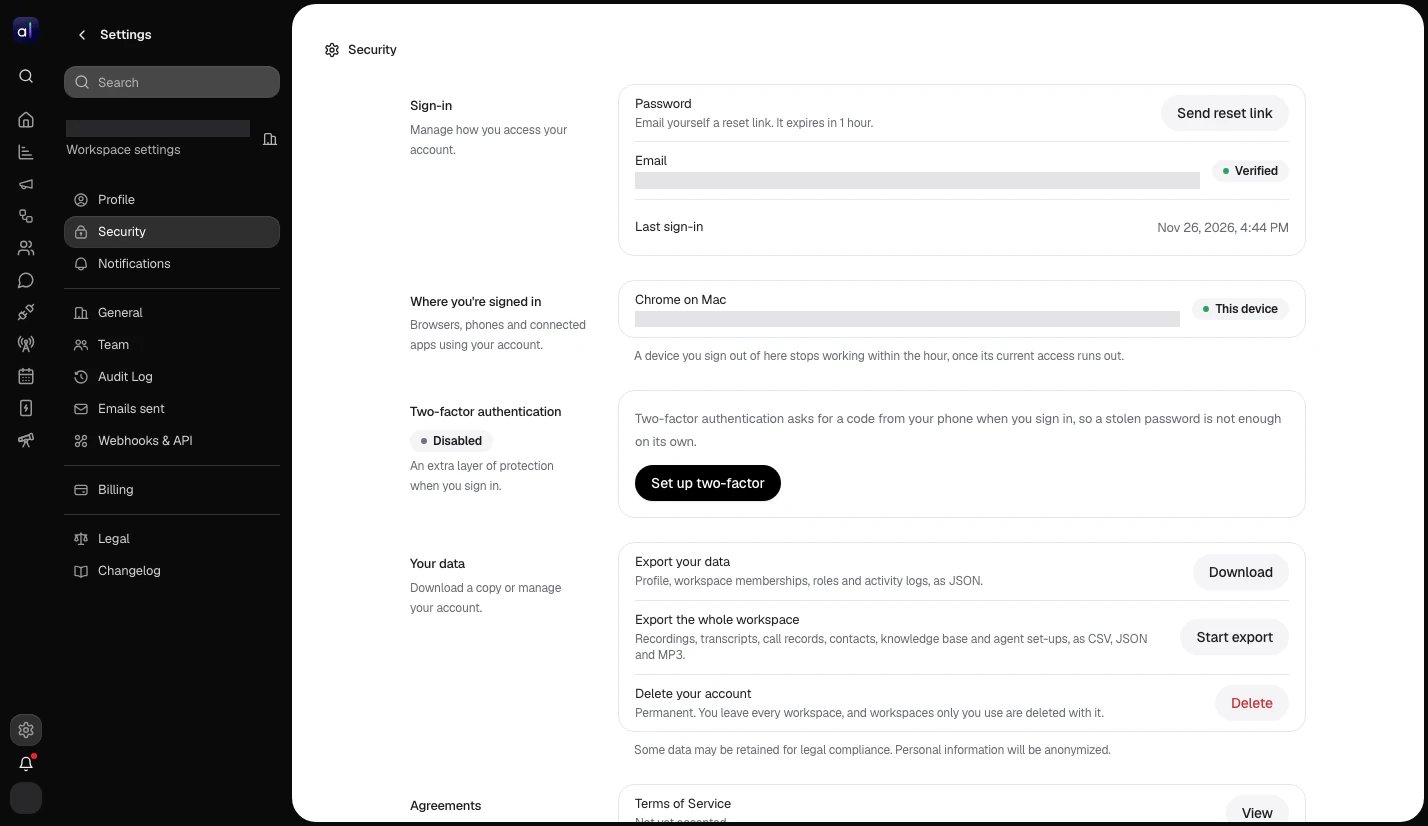
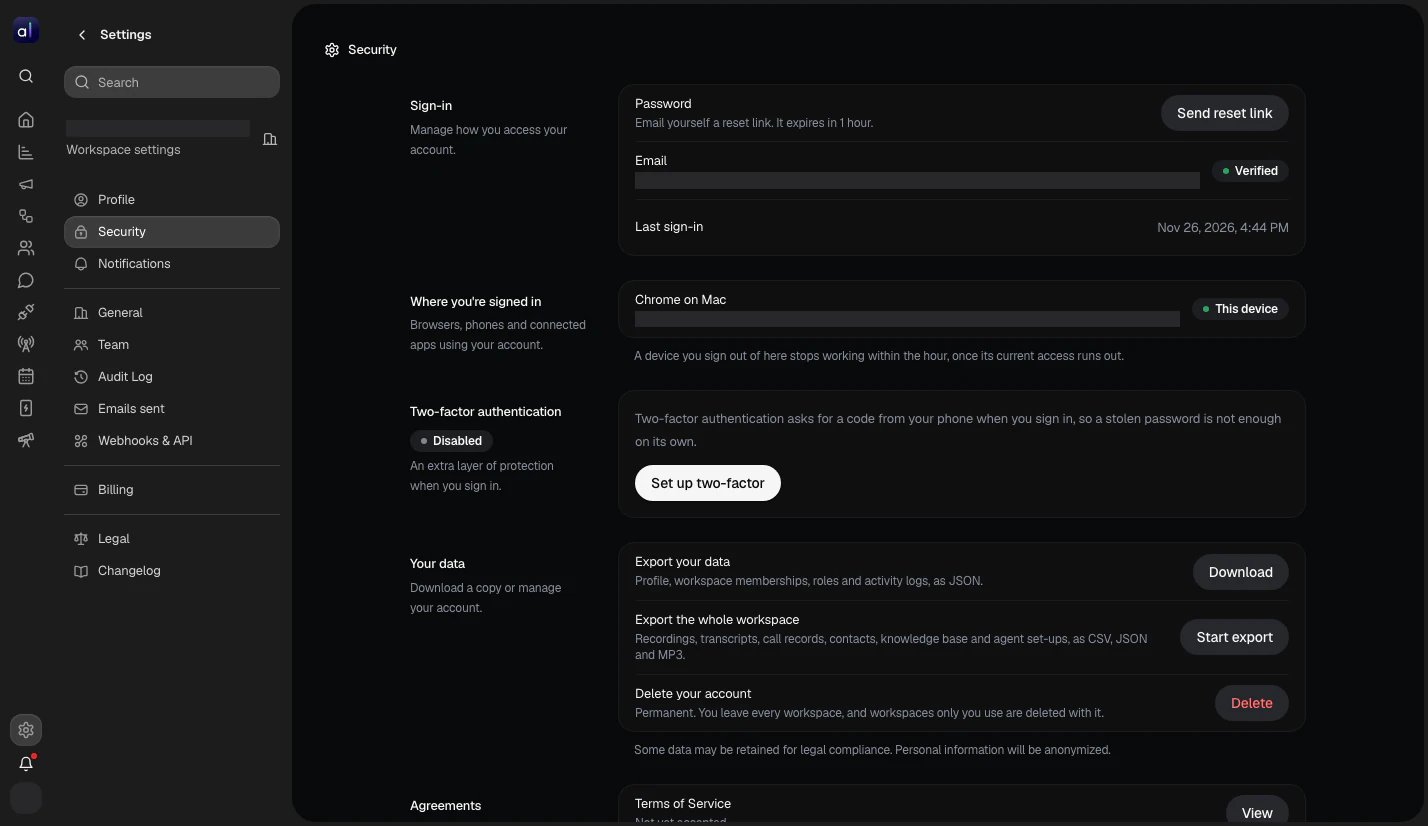
Reset your password and turn on two-factor if you think someone got in
Check it worked
- You have an acknowledgement from security@getsmartalex.com within 3 business days, with the name of your contact.
- If you reset your password, you can sign in with the new one, and Two-factor authentication shows Enabled on the Security tab.
Questions people ask
When will I hear back?
When will I hear back?
SmartAlex acknowledges a report within 3 business days and gives you a first assessment within 10 business days. You get one named contact for the whole report.
Will SmartAlex take legal action against me?
Will SmartAlex take legal action against me?
Not if you follow the Vulnerability Disclosure Policy. SmartAlex treats good-faith research within the policy as authorised and will not pursue civil or criminal action over it.
Is there a bug bounty?
Is there a bug bounty?
No. There is no paid bounty. SmartAlex credits you by name or handle after the fix if you ask.
Can I test by calling or texting real numbers?
Can I test by calling or texting real numbers?
No. Never place real calls or send real messages to numbers or people you do not own or control. Use your own numbers and a test account.
Next
Incident response
How SmartAlex handles an incident and tells customers within 24 hours.
Security architecture
How SmartAlex is built to keep your calls and data safe.